
How to add Free Drink Promotion to Footy Tipping
1. Navigate to Wymac Kiosk Admin Client
2. Click "Add Promotion"
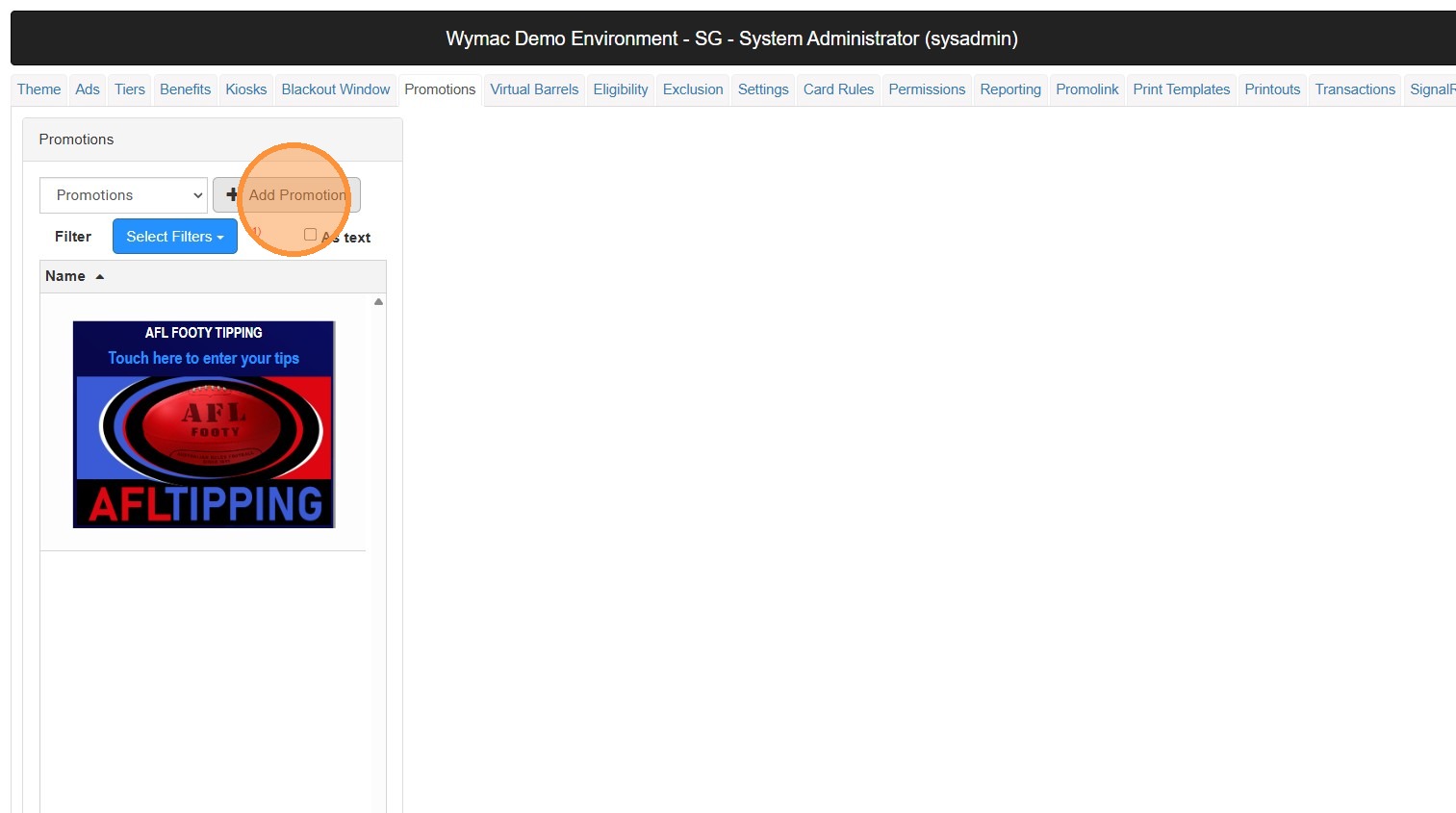
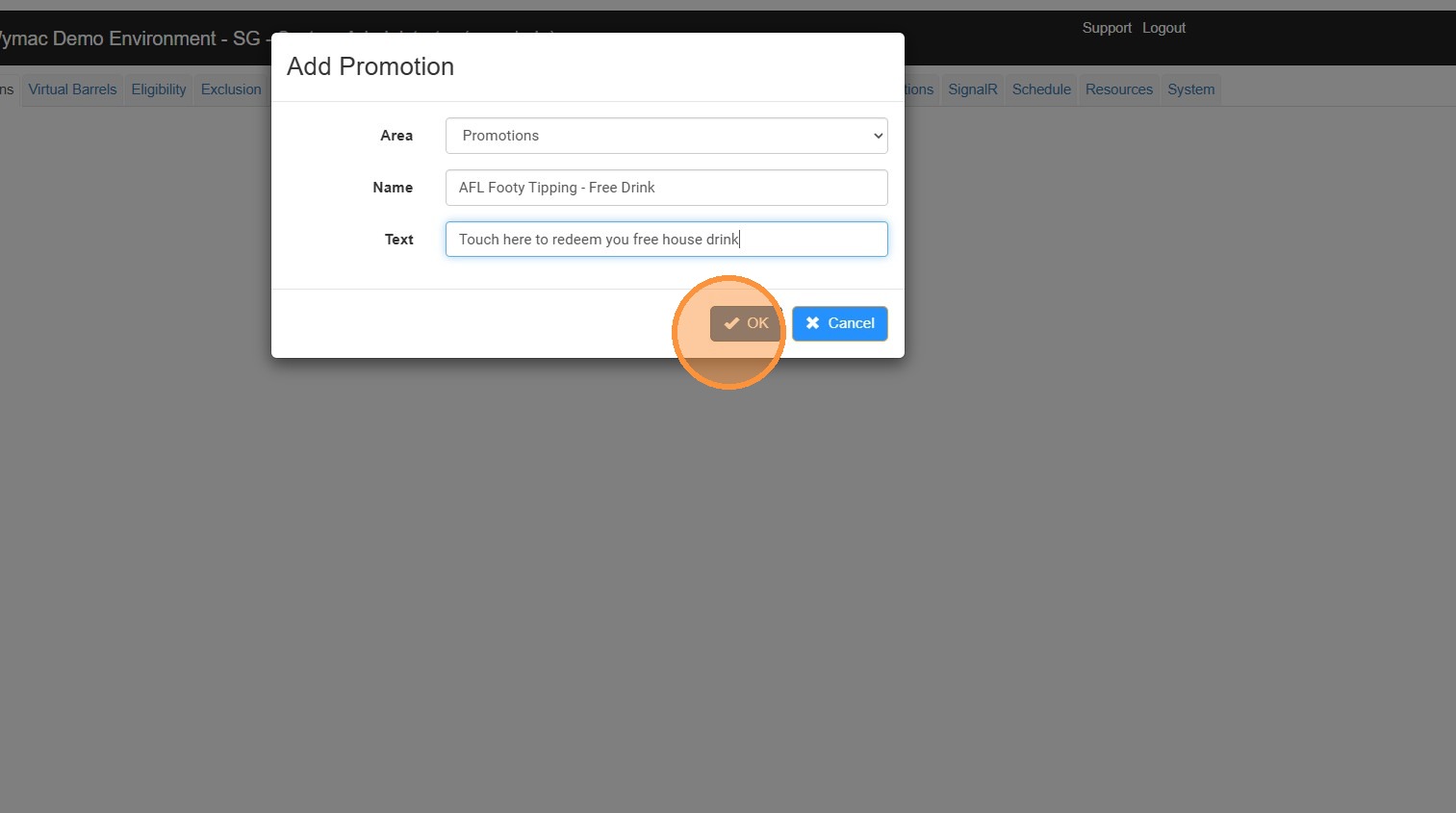
3. Ensure 'Promotion' is selected for the Area option
Enter the Name of the promotion, in this case we have used "AFL Footy Tipping - Free Drink"
Type in the additional text field. This is often used to instruct members on what to do, e.g. Touch here to redeem
Click "OK"
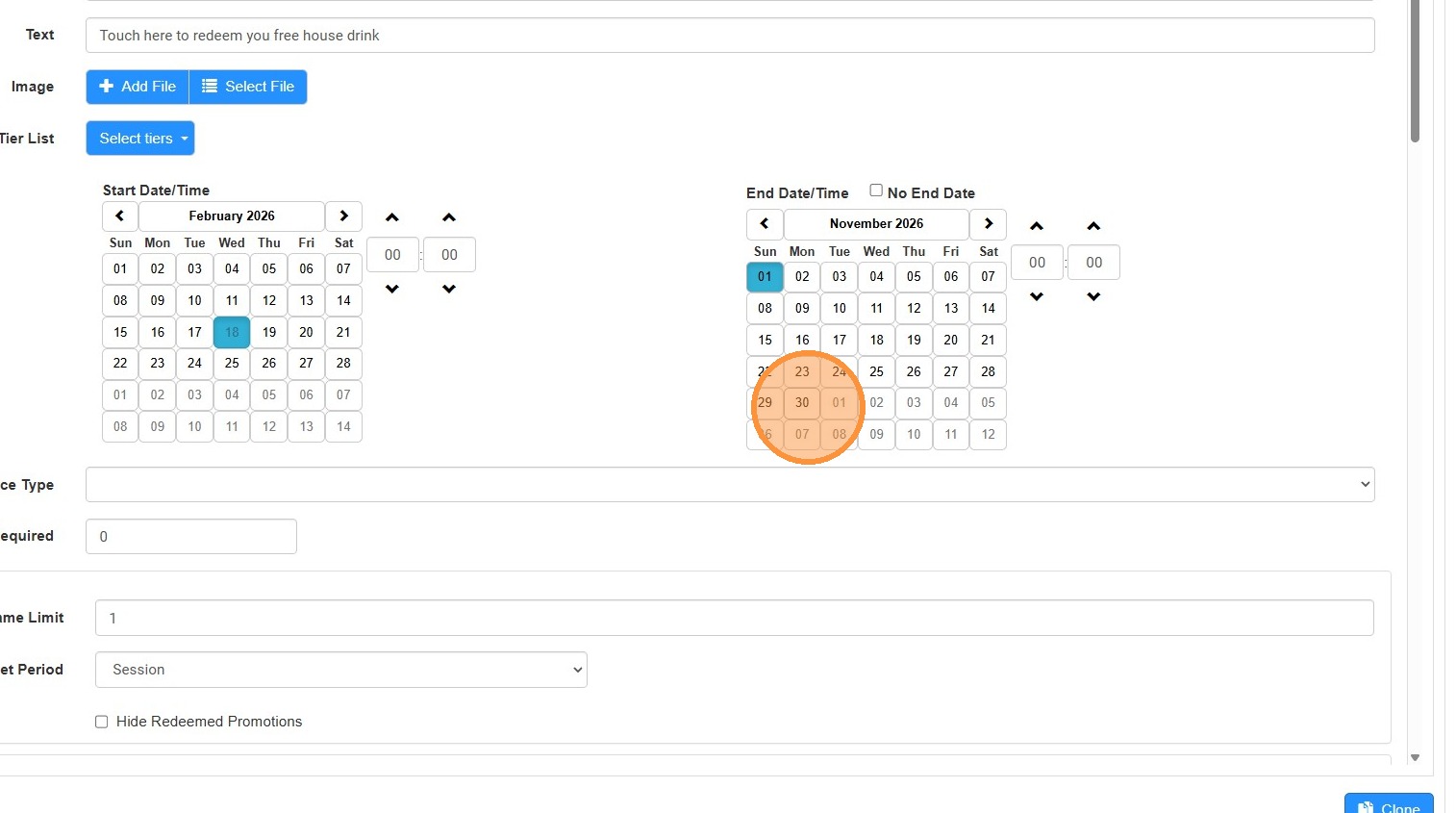
4. Use the Date selection tool to select and start and end date for this promotion.
5. Click "Select File"
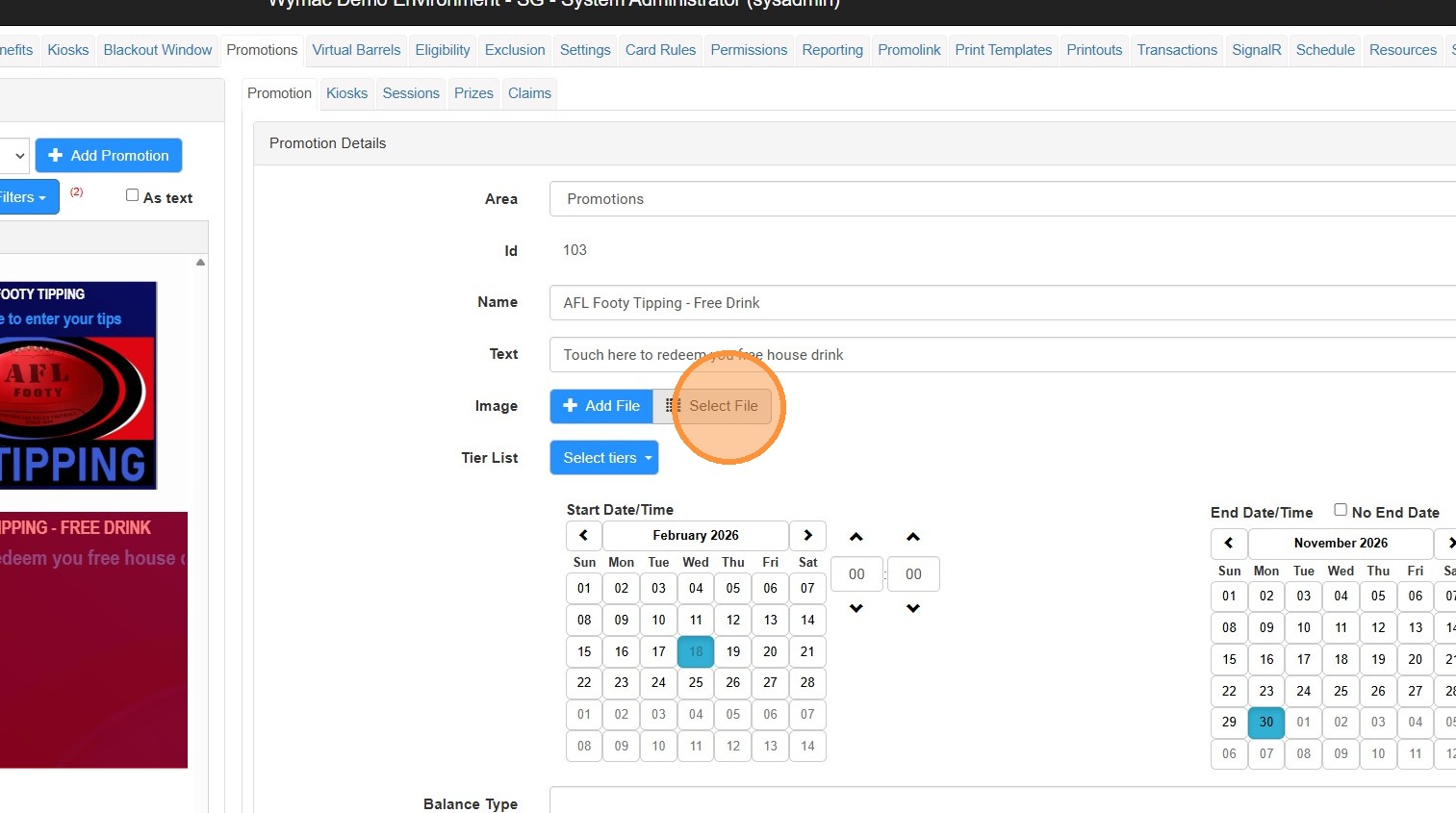
6. Choose the image you want to use for this tile
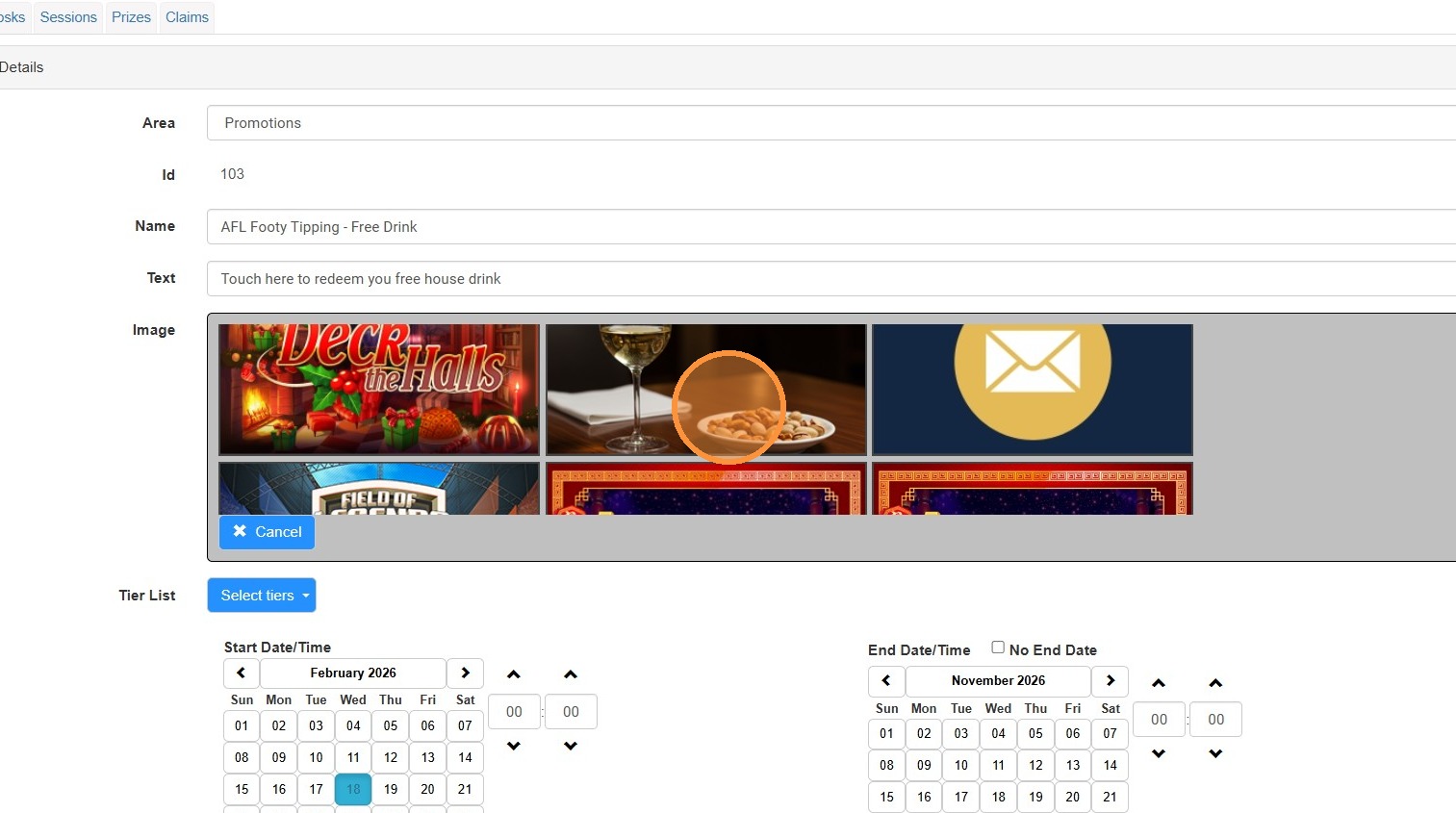
7. You need to set a limit, in this example members get 1 free drink a week, if they lodge their tips.
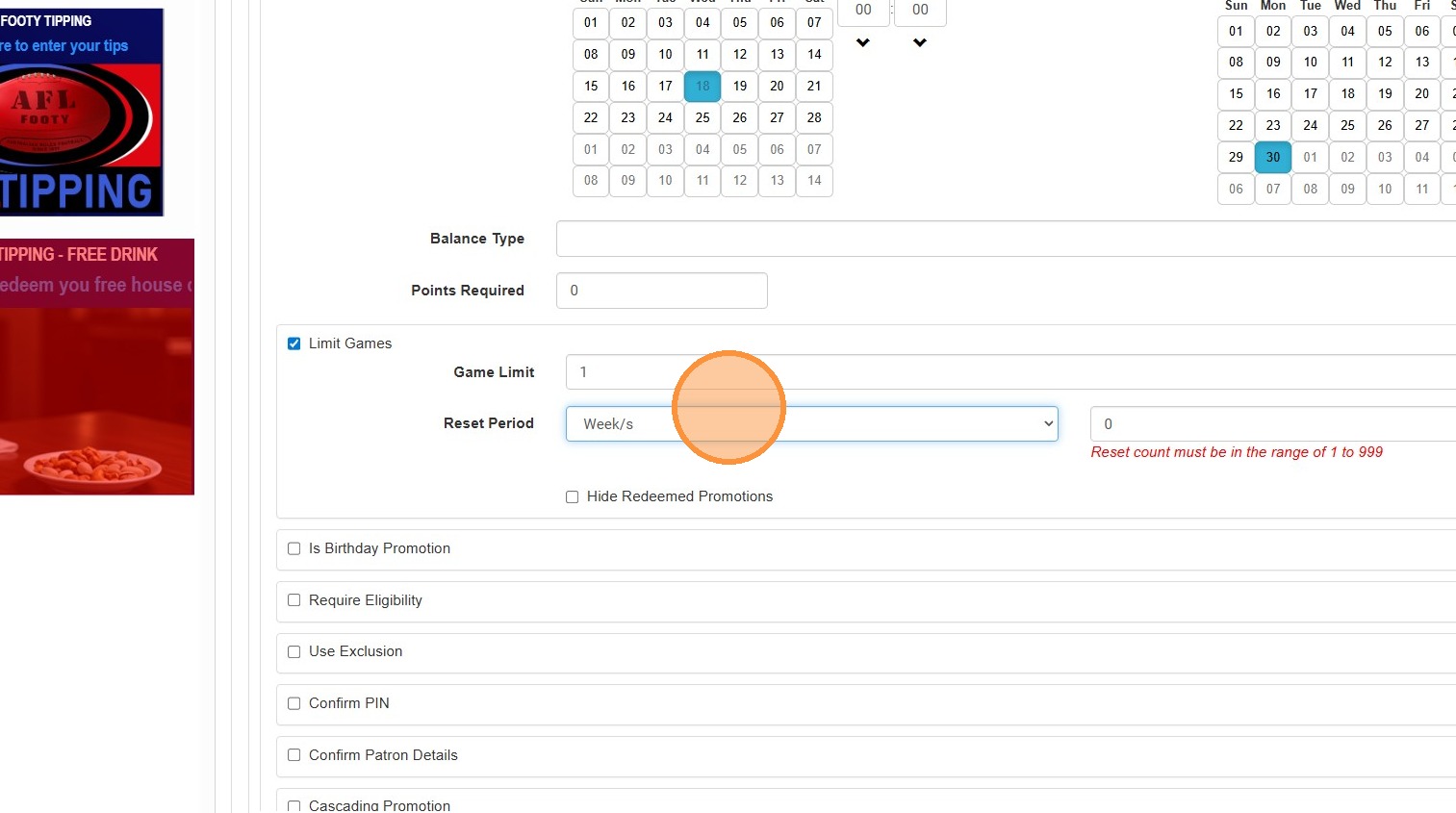
8. Click this number field, and enter the value '1'.
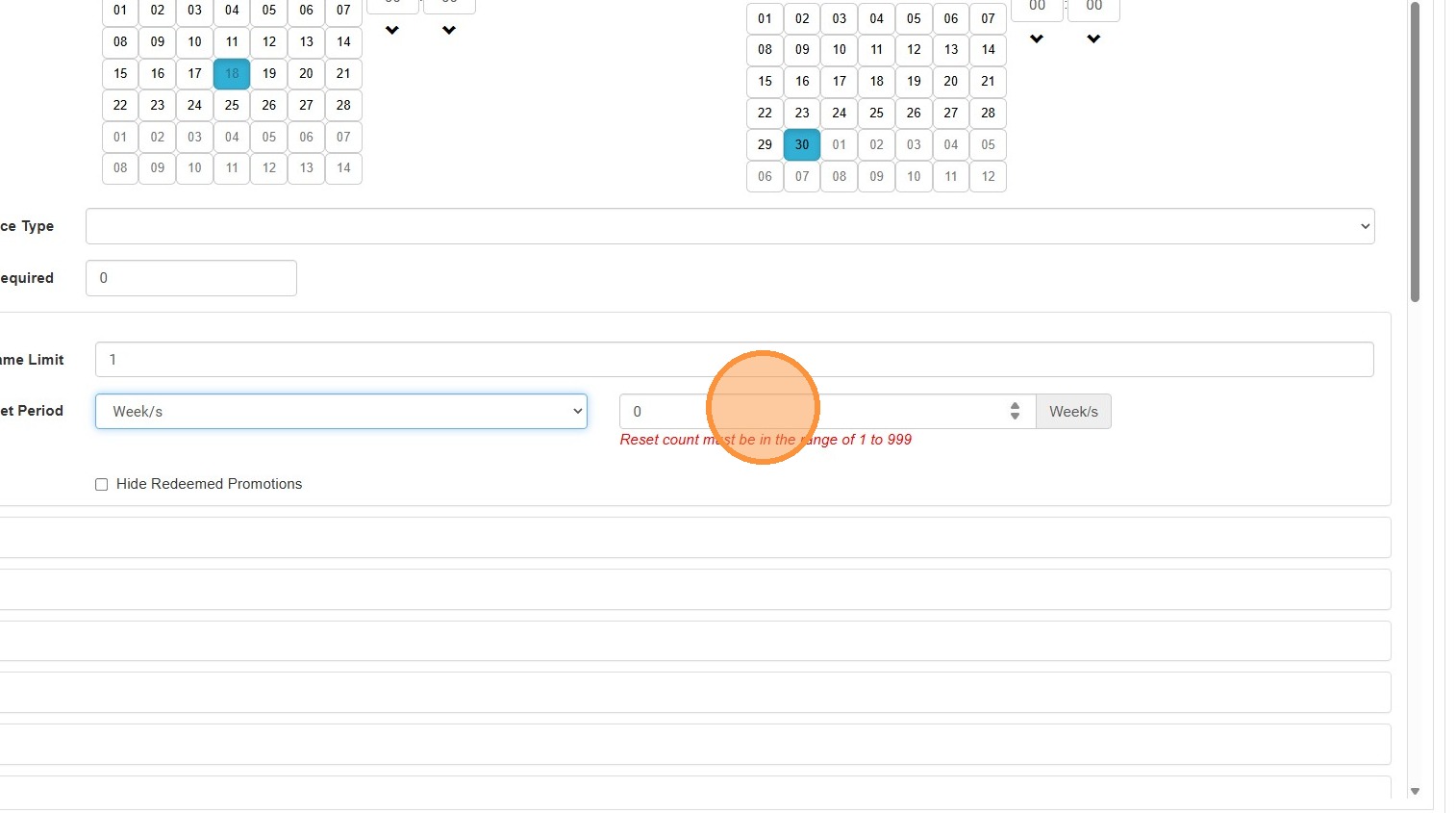
9. Click "Hide Redeemed Promotions"
Once the offer is redeemed, this will remove it from the Kiosk until it is unlocked next week.
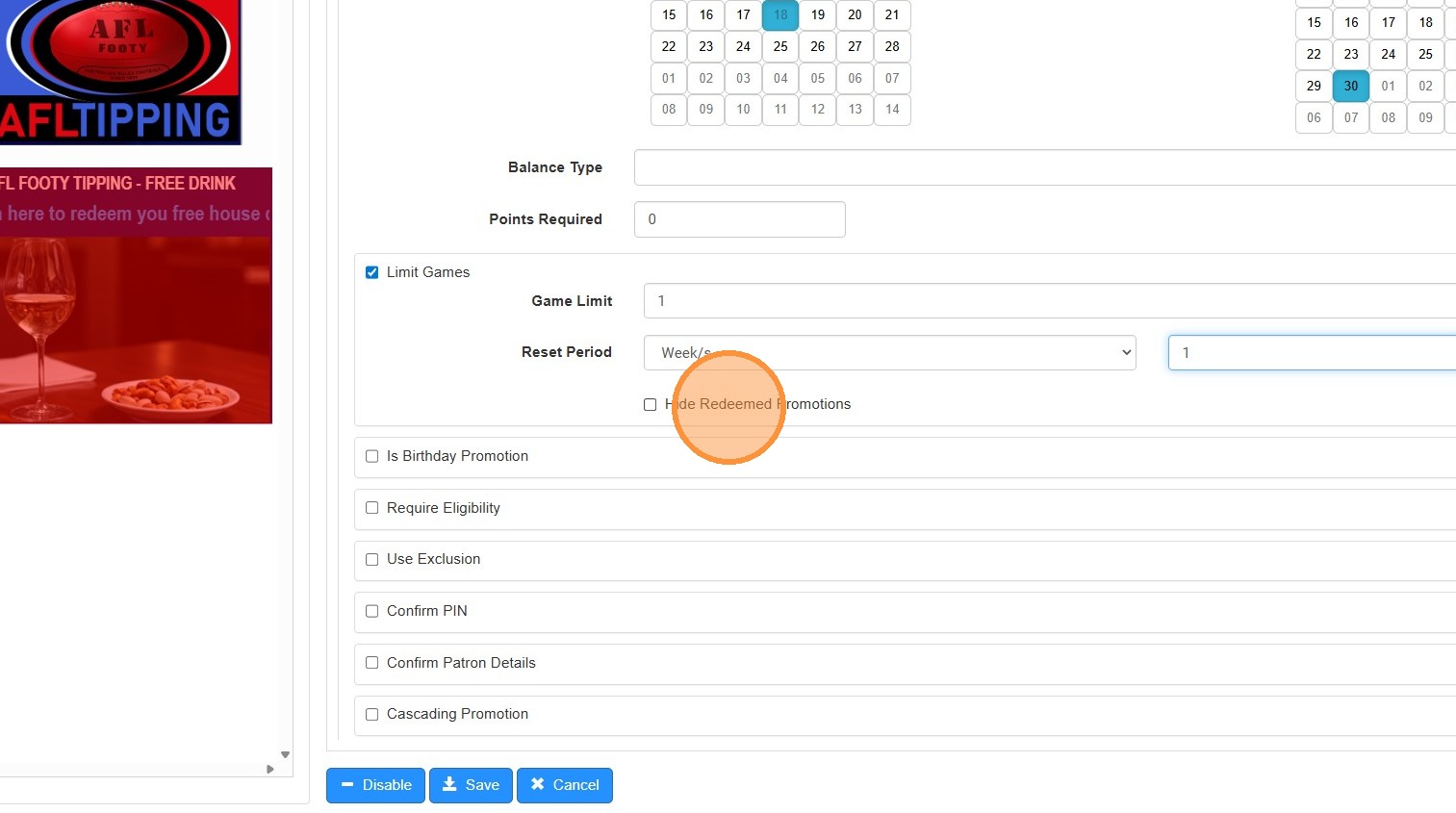
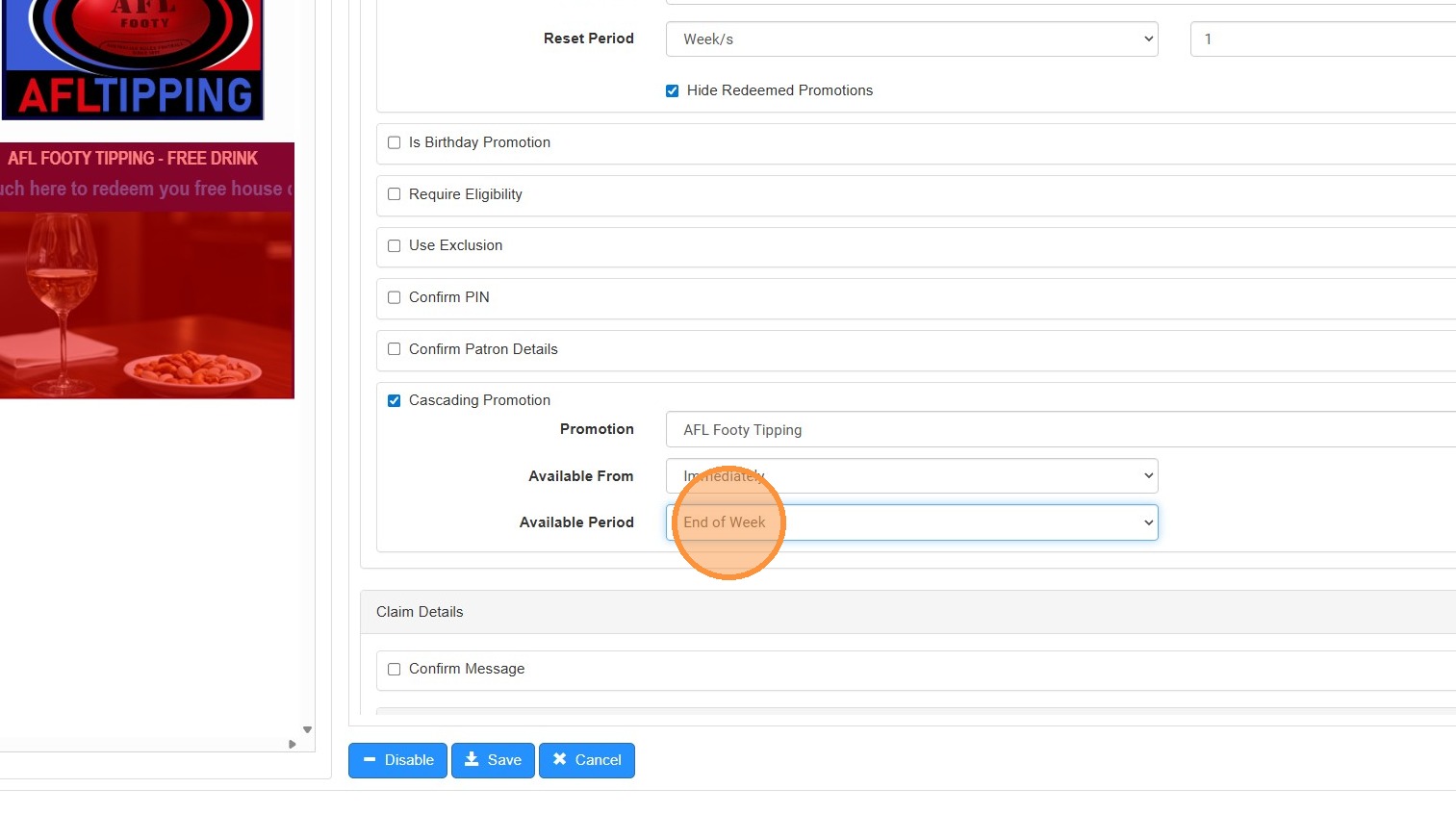
10. Click "Cascading Promotion"
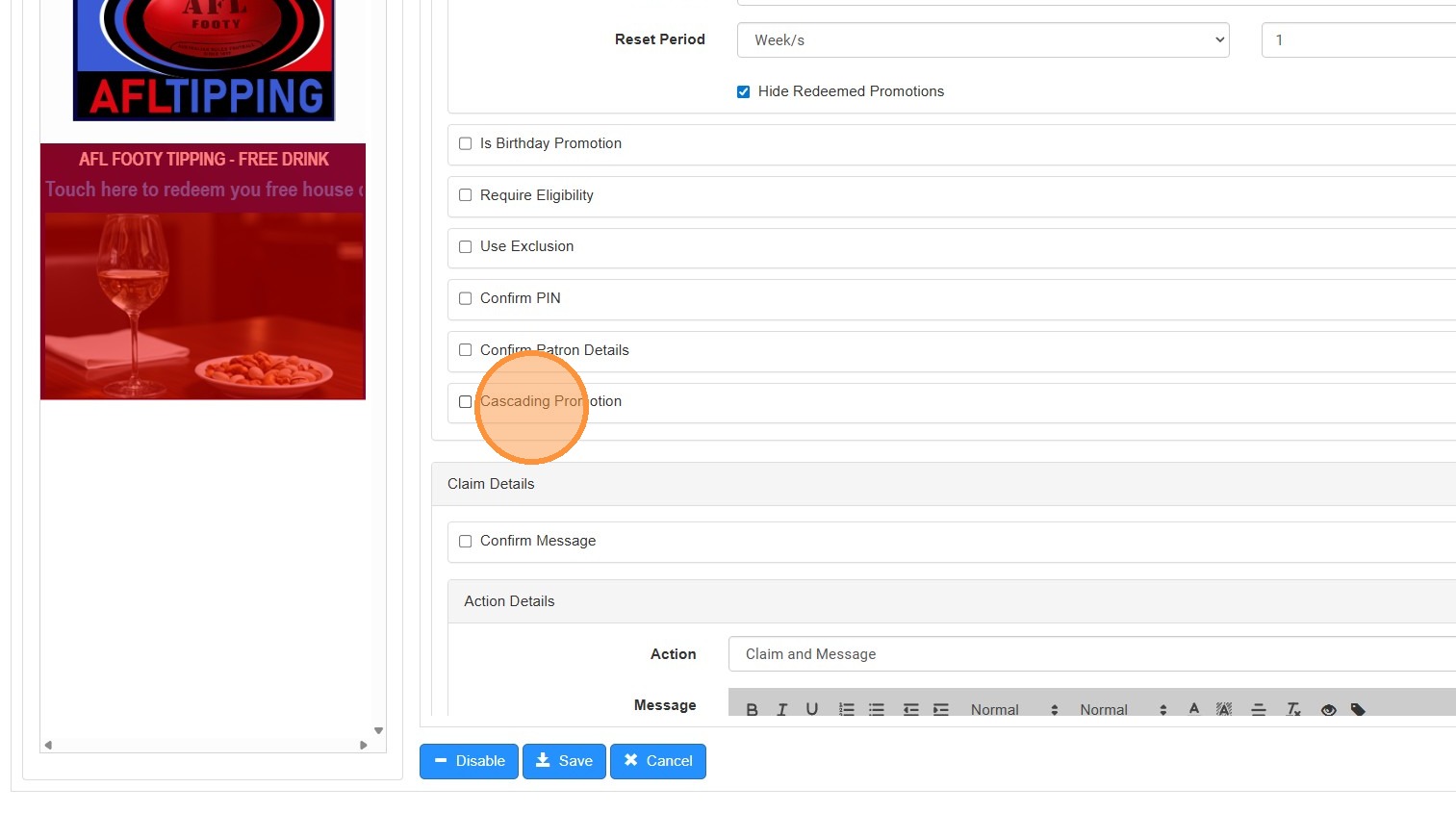
11. Click "Cascading Promotion"
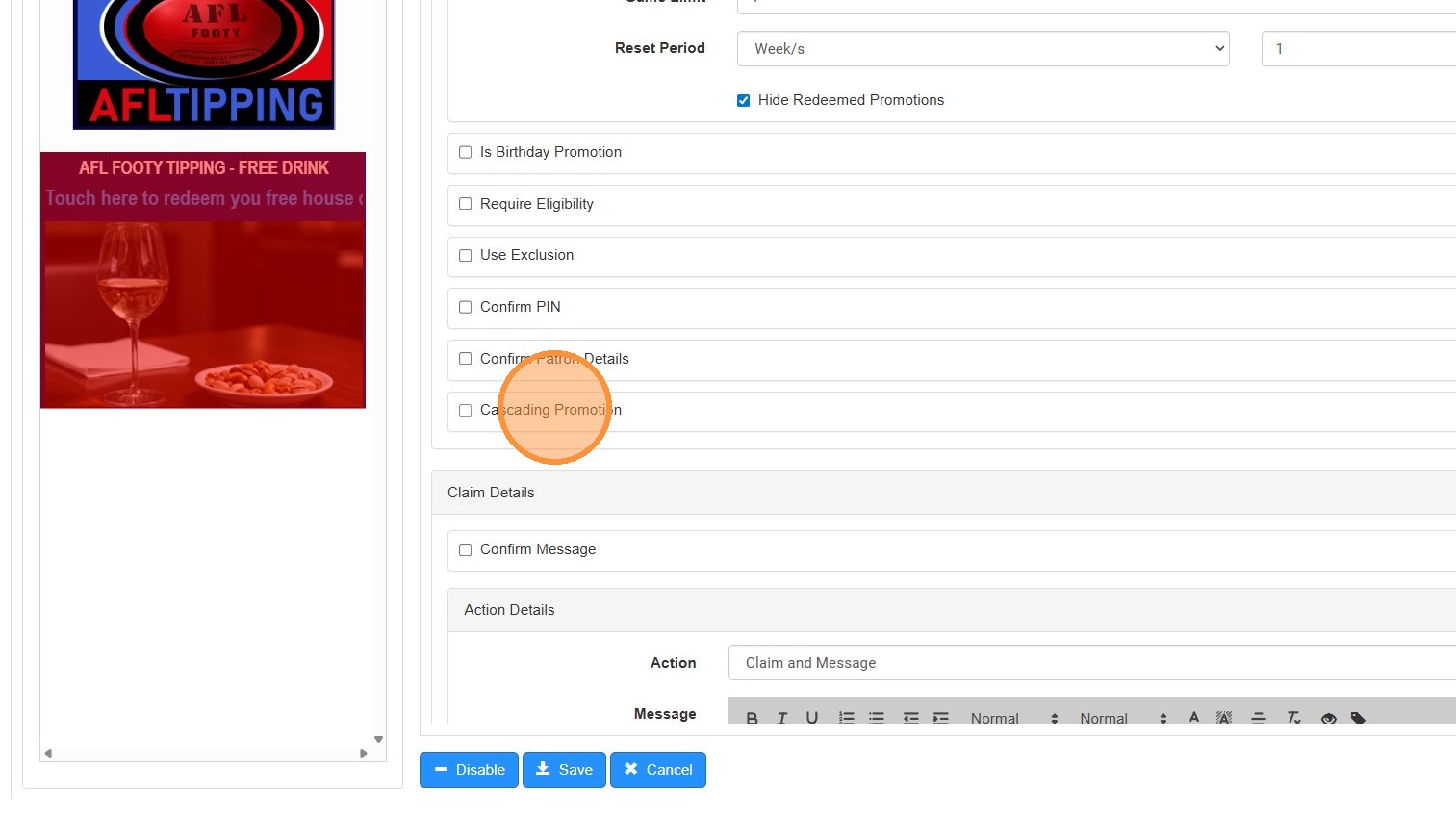
12. Select the "AFL Footy Tipping" option.
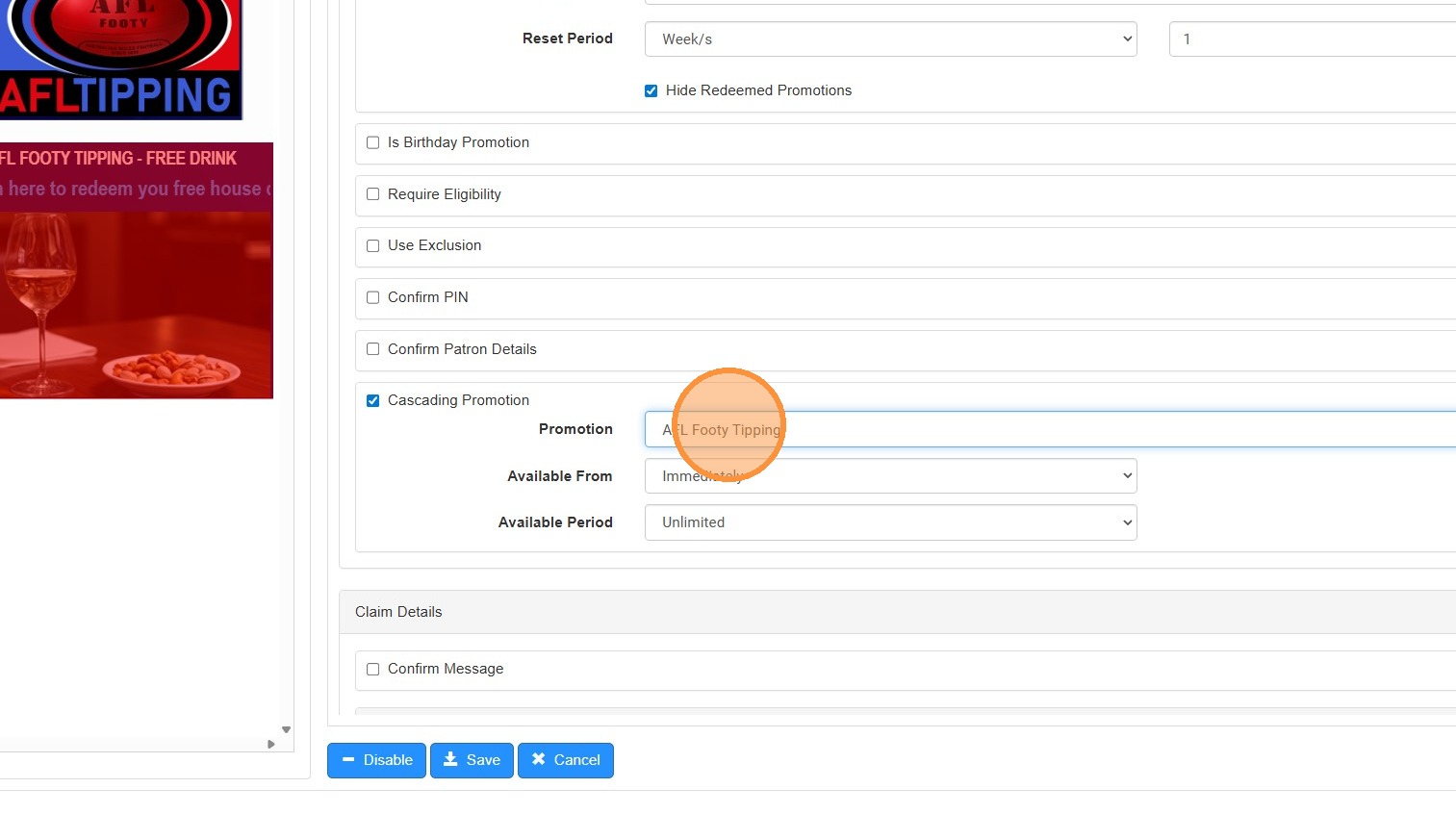
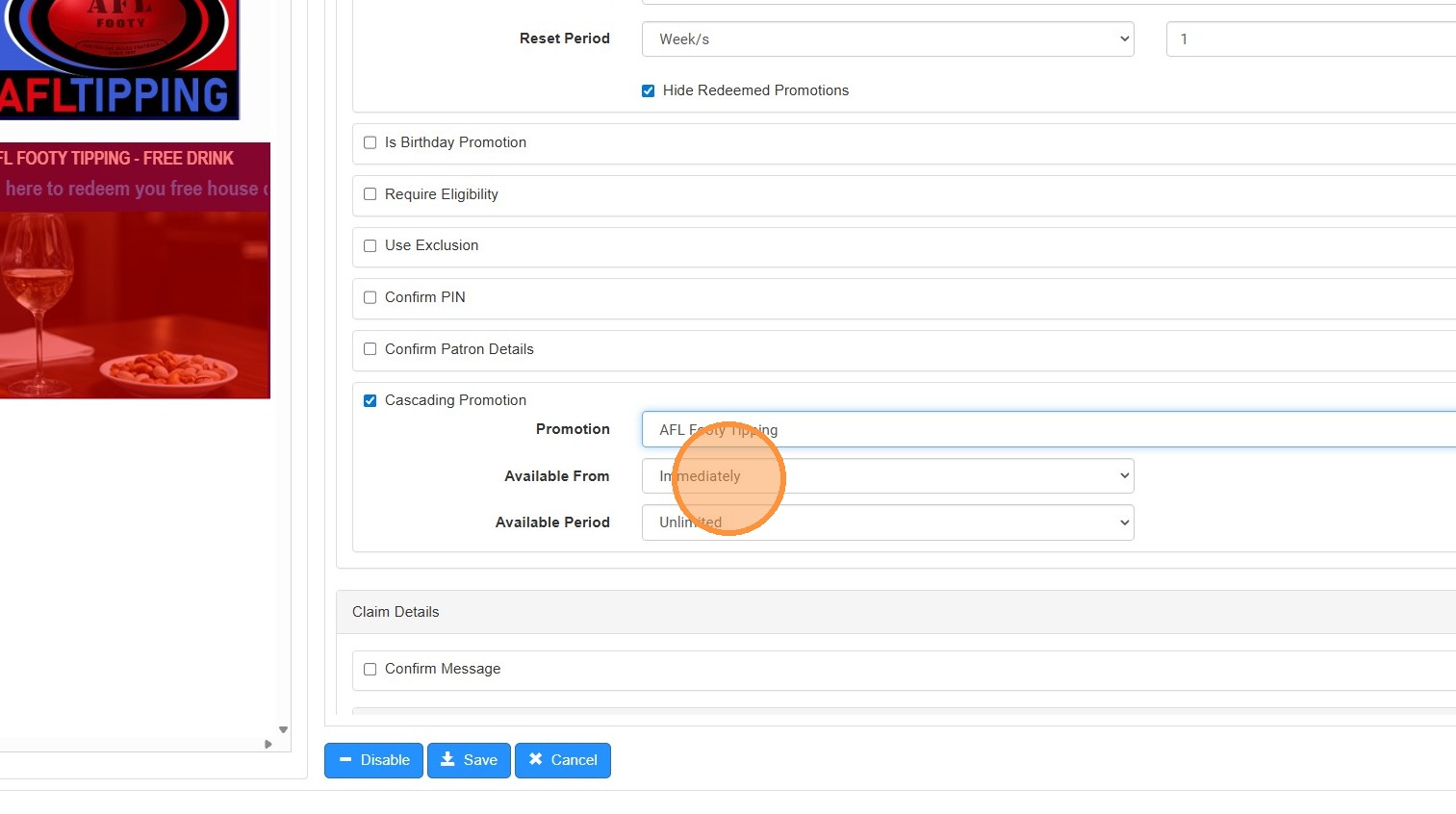
13. Ensure this is set to Immediately
14. Select the "End of Week" option.
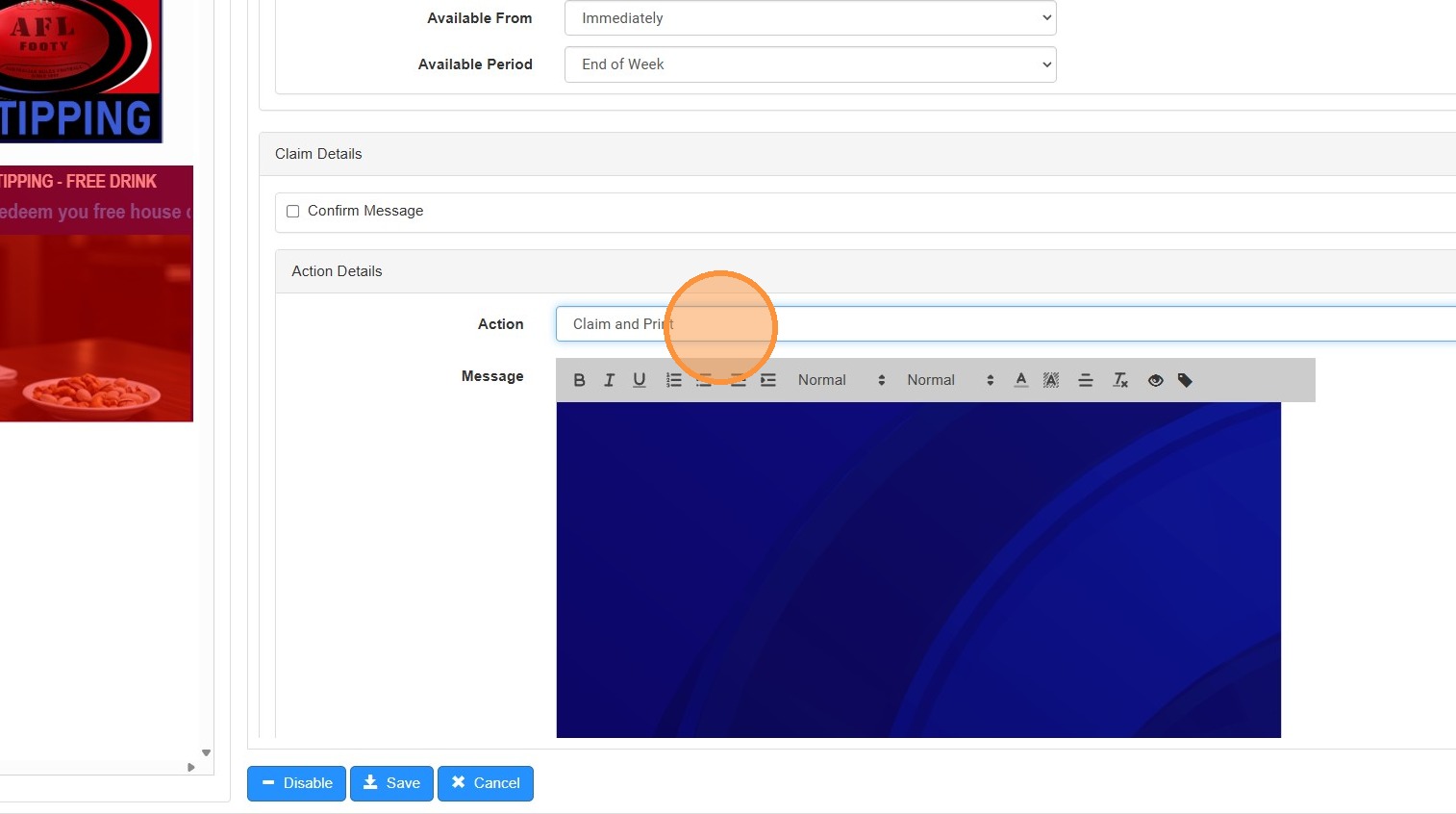
15. Select the "Claim and Print" option.
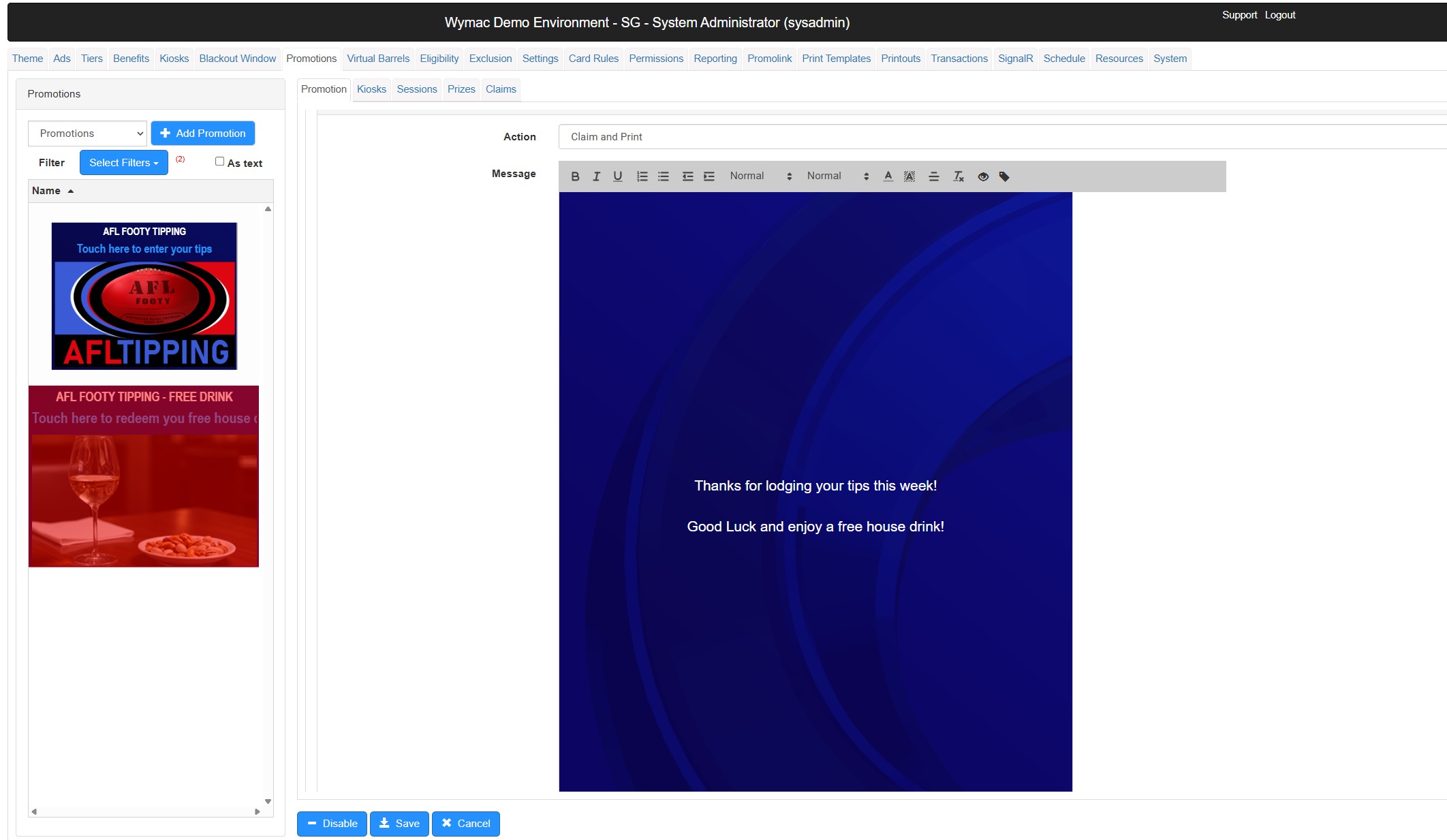
16. Type in the message you want to be visible to your members when they redeem this offer.
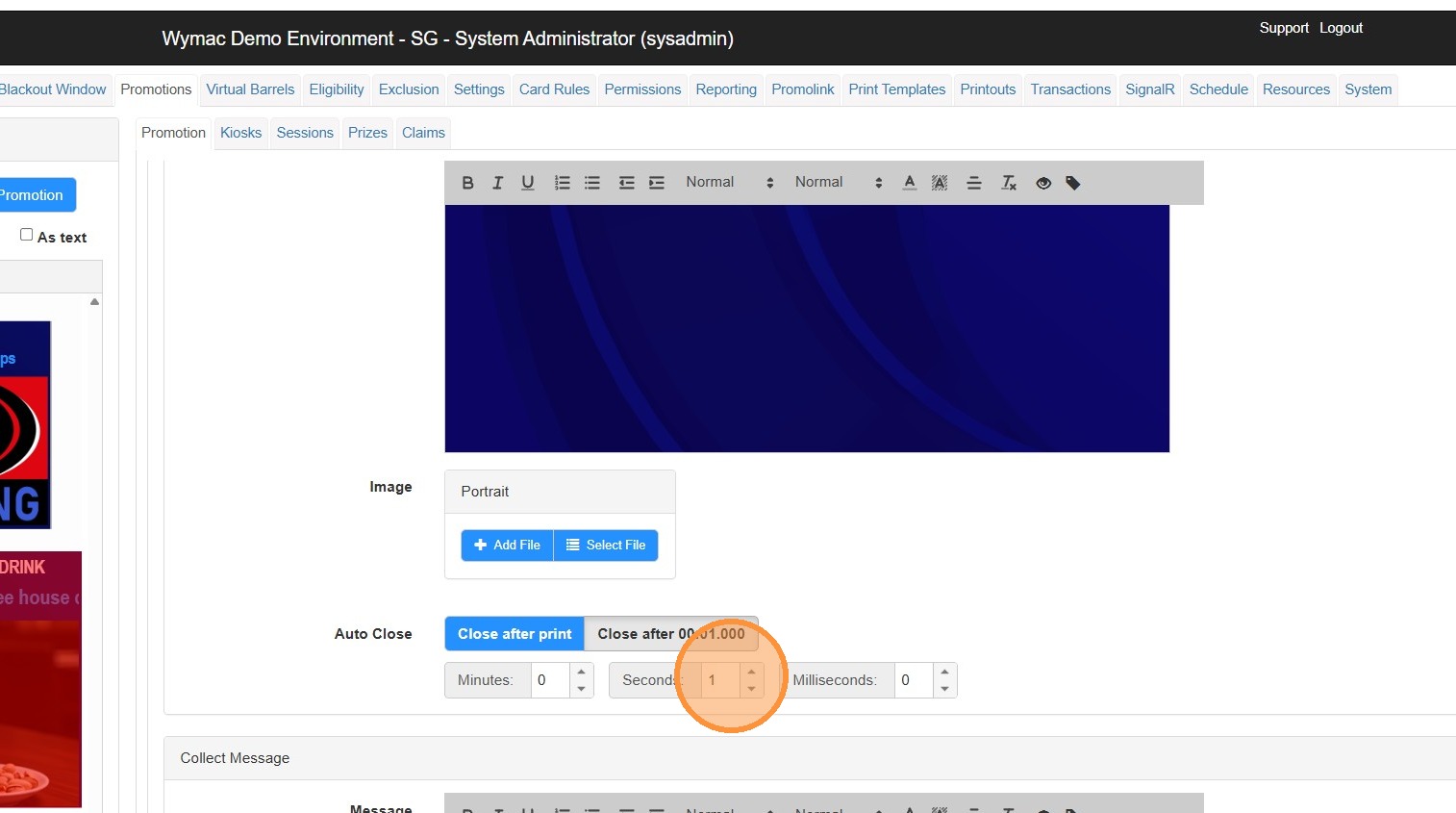
17. Select the number of seconds you wish this to be displayed for.
18. Scroll down and select the print template you wish to use.
In this case we are using the "Prize" template
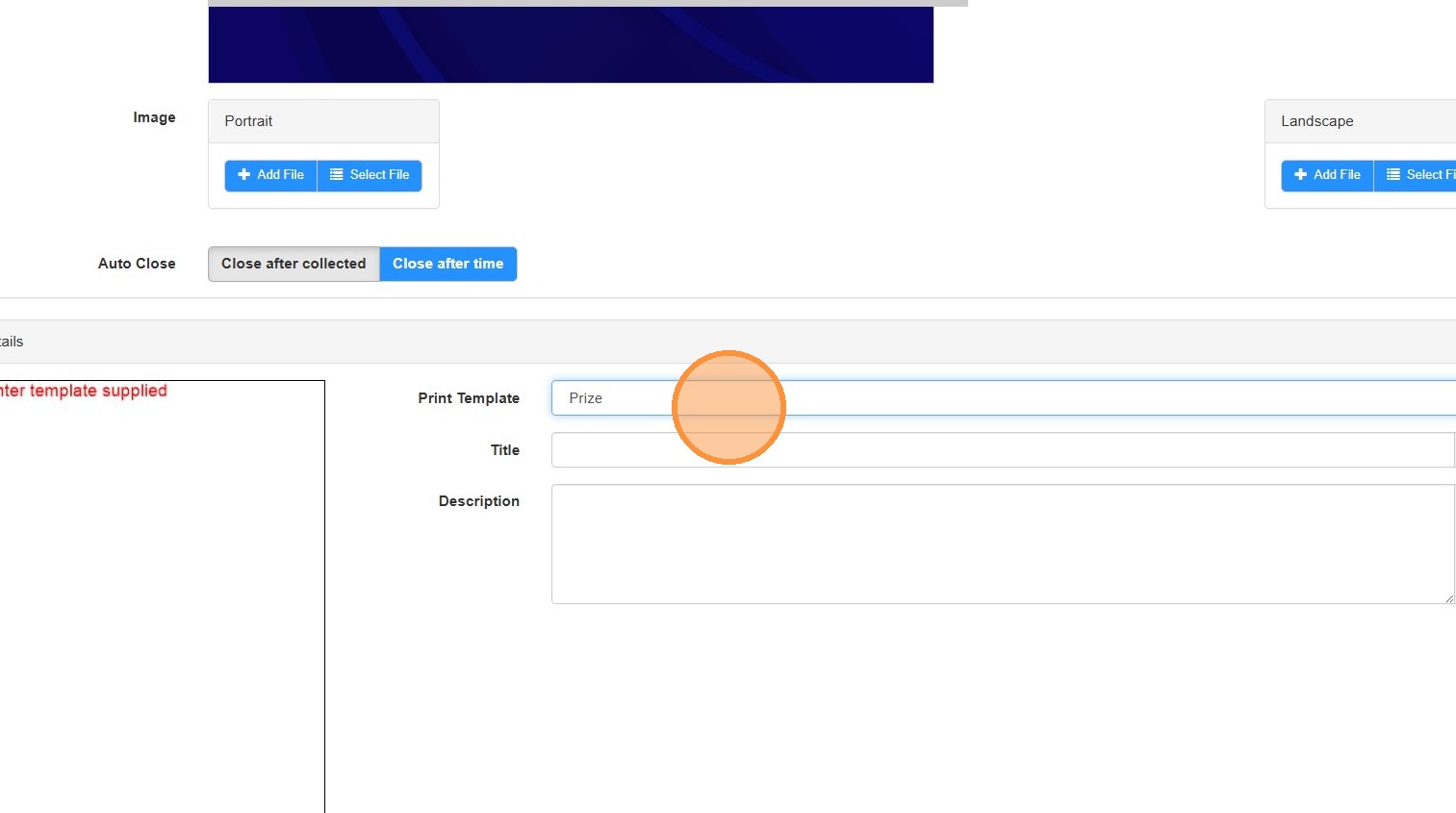
19. Click into the 'Description' Field and add in any information you wish to display on the printout. this field.
For this example we have added:
"Must be claimed within week of issue
Valid for any house beer, wine or soft drink
T&Cs apply"
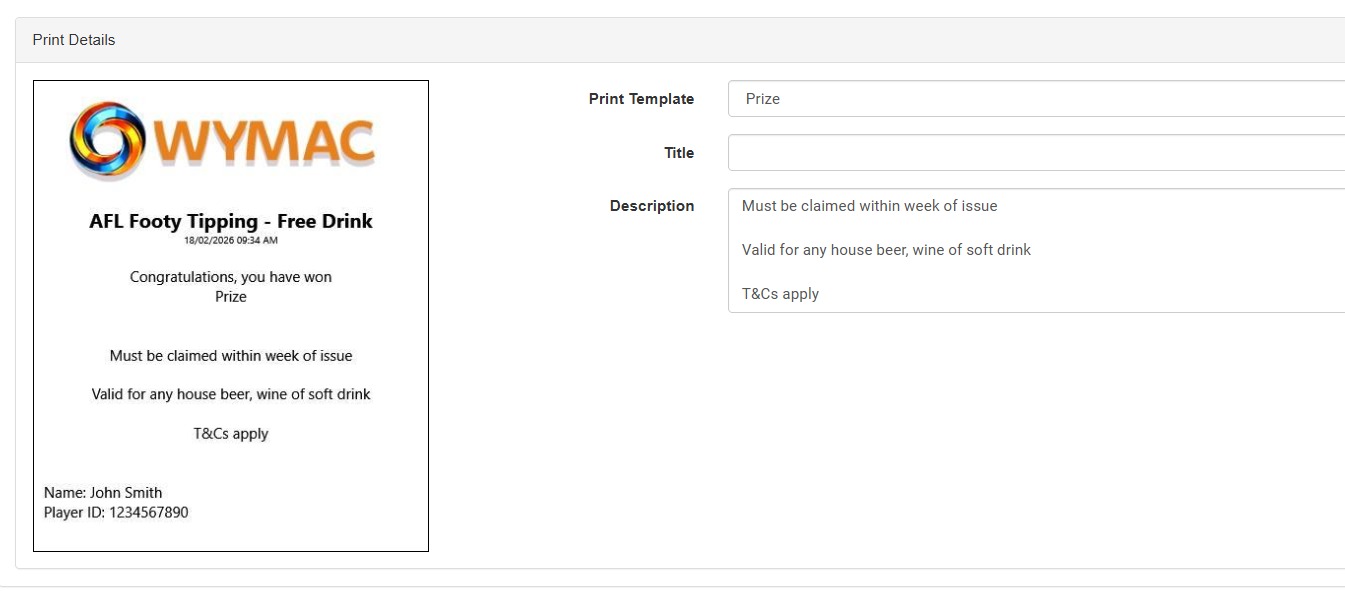
20. Type "Must be claimed within week of issue [[Enter]] [[Enter]] Valid for any house beer, wine of softdrink [[left]] [[left]] [[left]] [[left]] [[left]] [[right]] [[right]] [[right]] [[right]] [[right]] [[Enter]] [[Enter]] T&Cs apply"
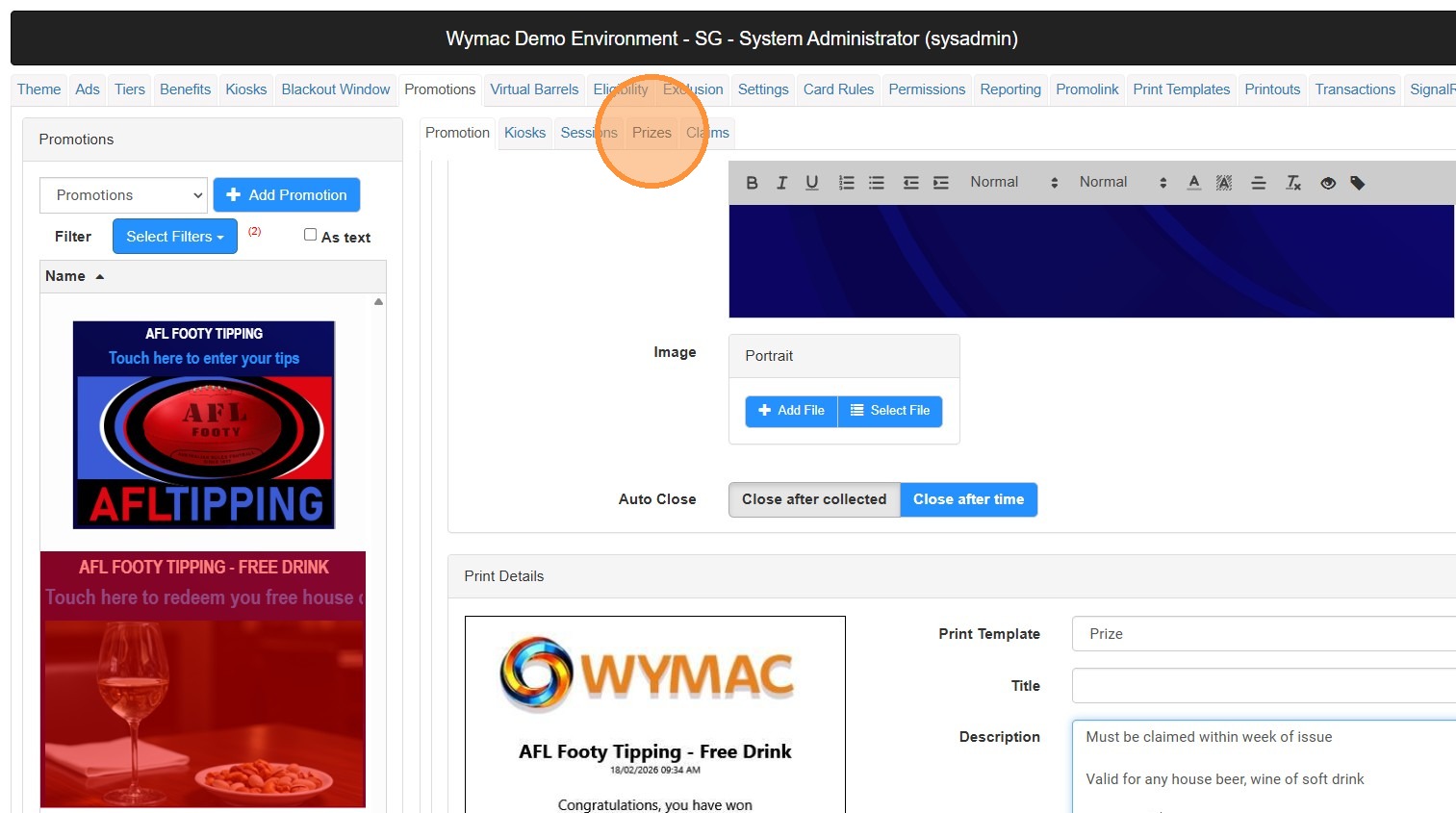
21. Click "Prizes"
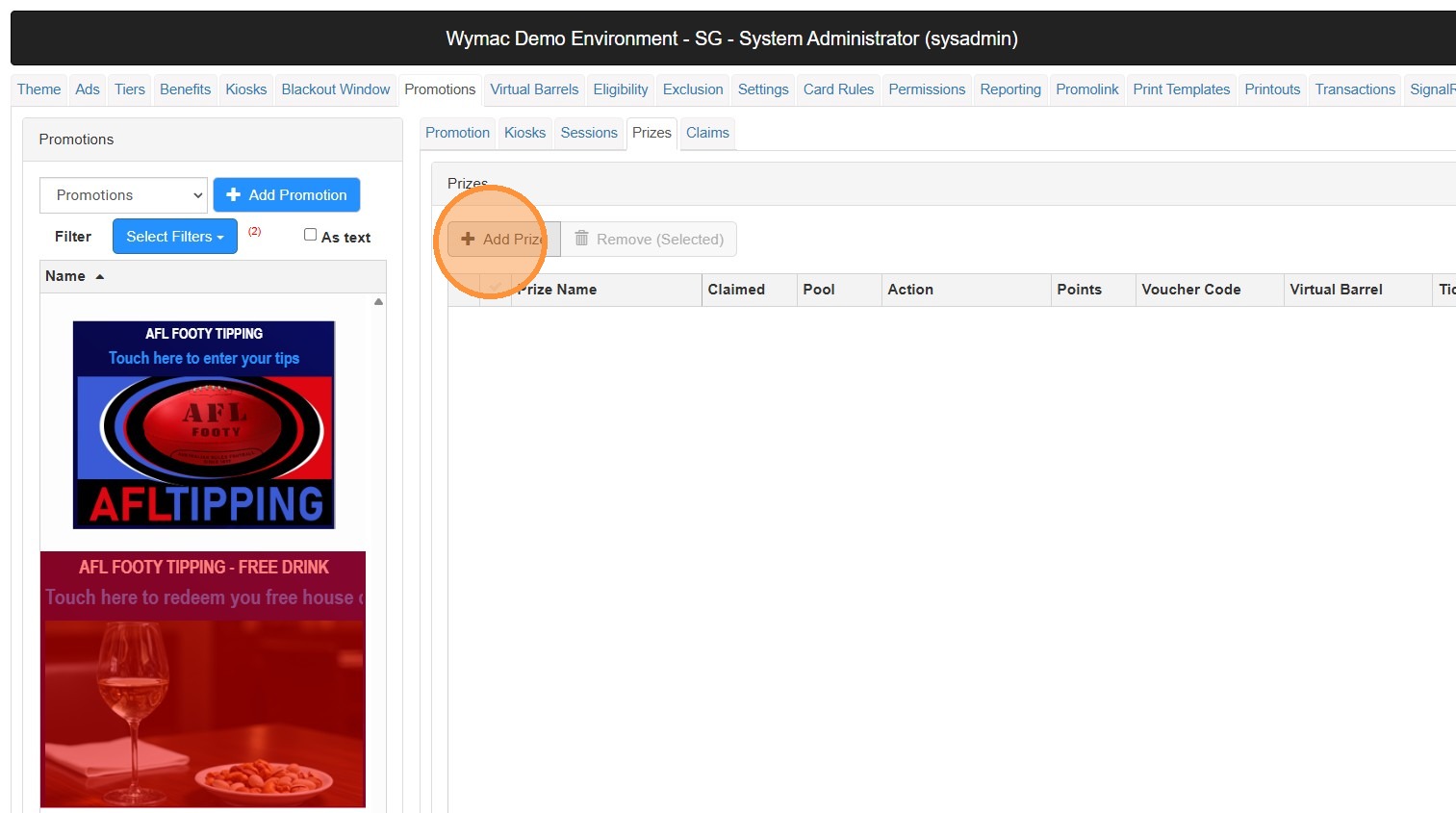
22. Click "Add Prize"
23. Click this text field.
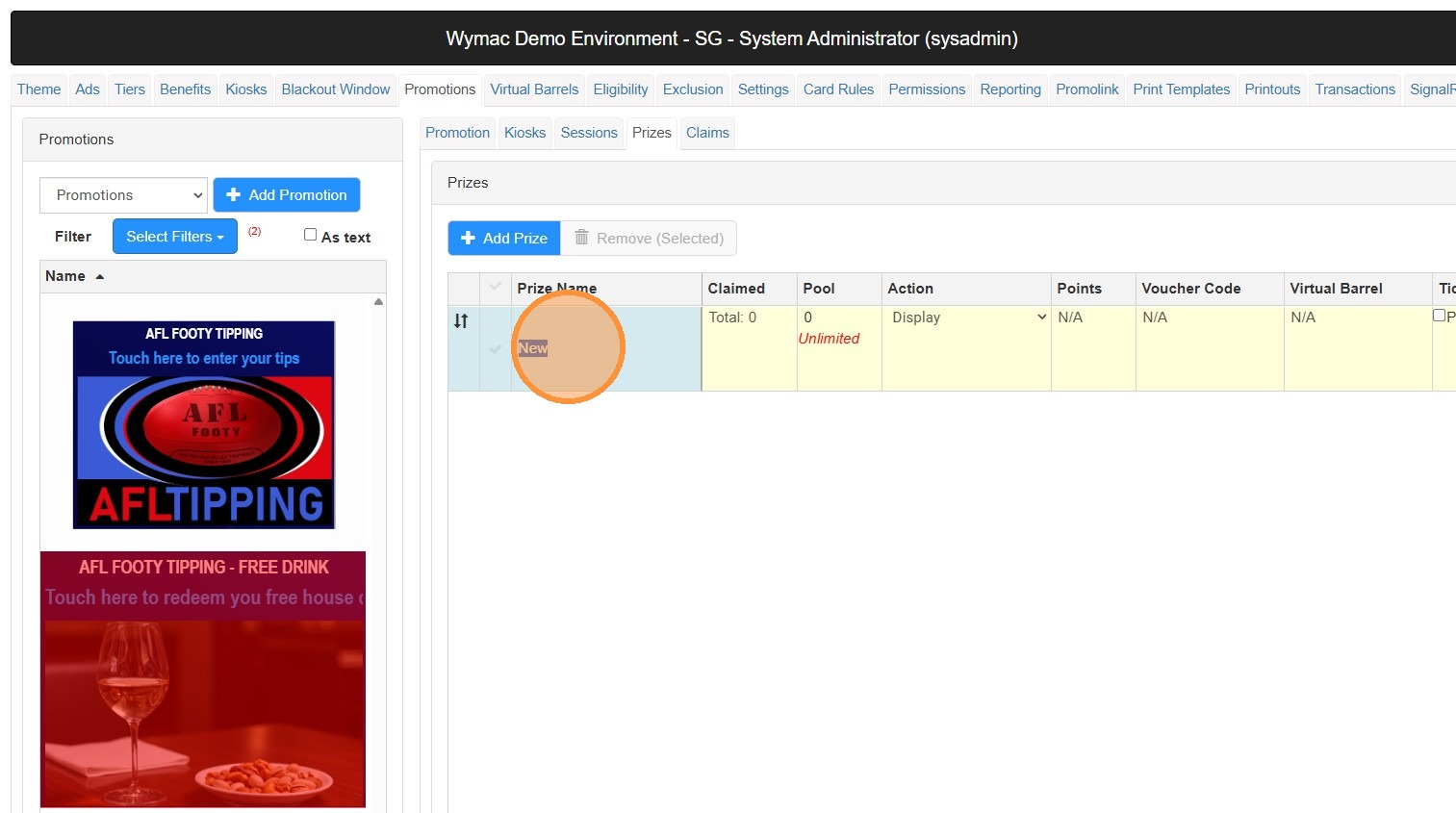
24. Type "Free House Drink"
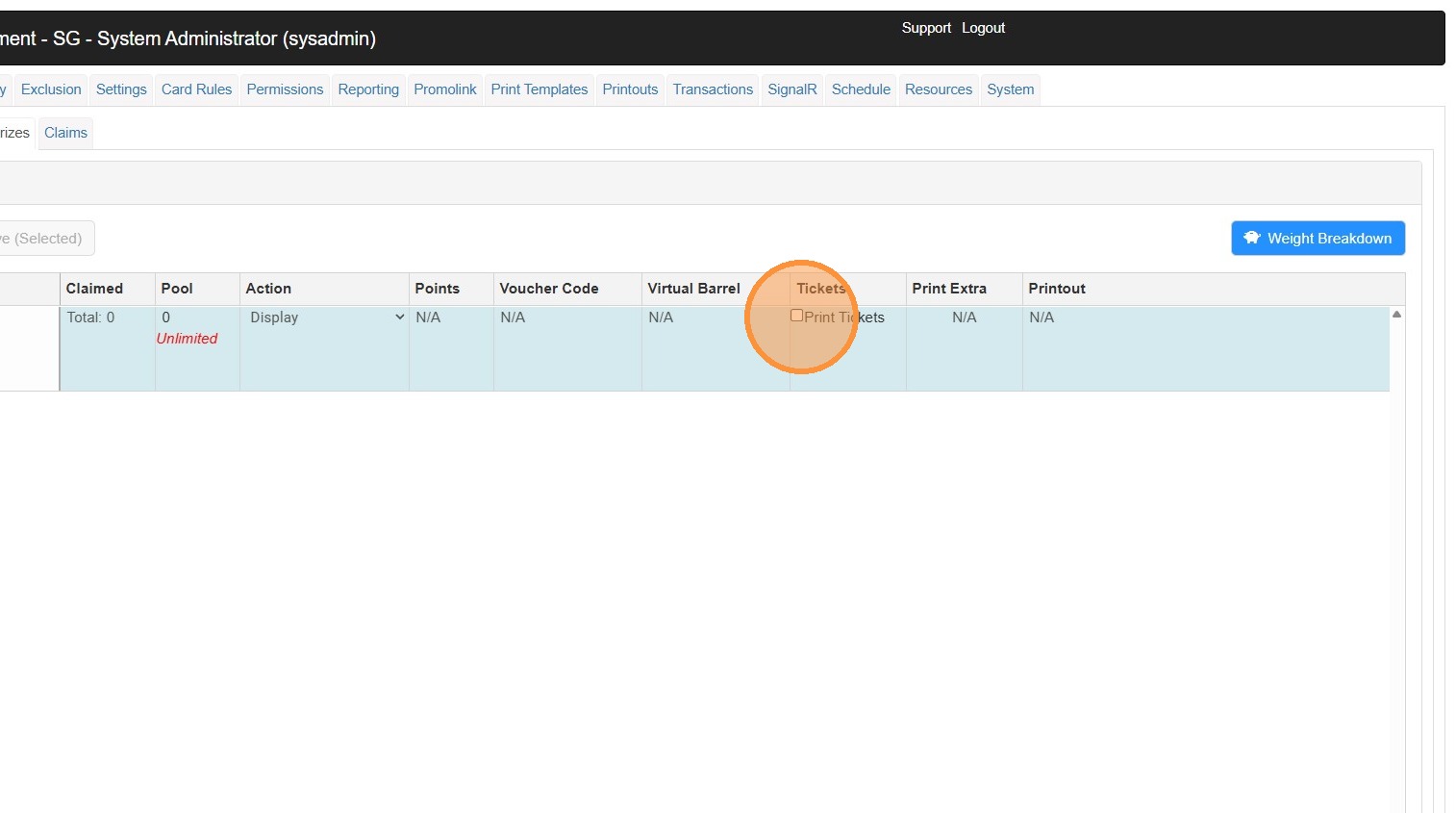
25. Click the "Print Tickets" field.
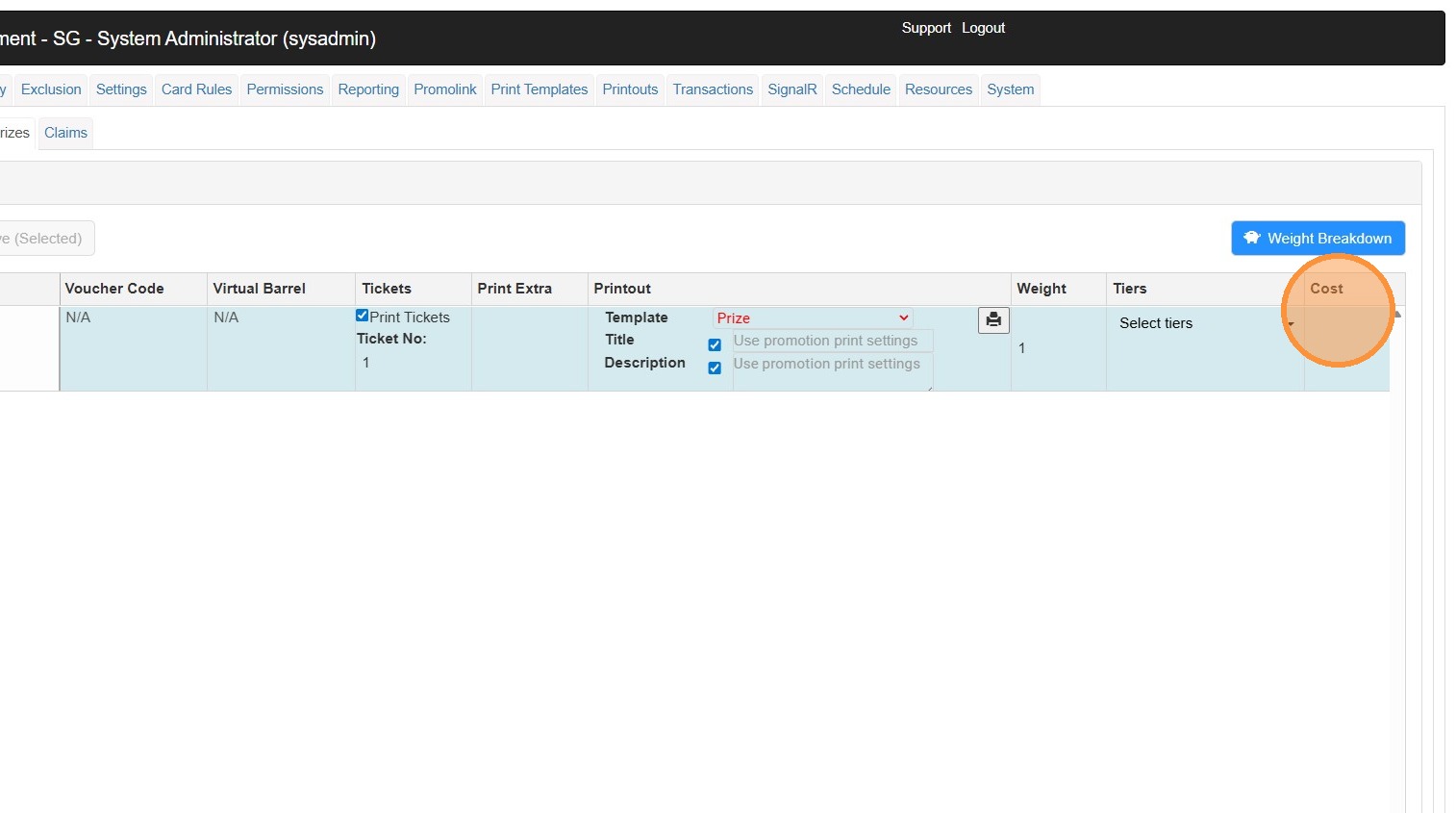
26. Scroll across to the end, and add a value into the cost field. While this won't impact the promotion and isn't required, it does assist with reporting.
27. Click "Save"
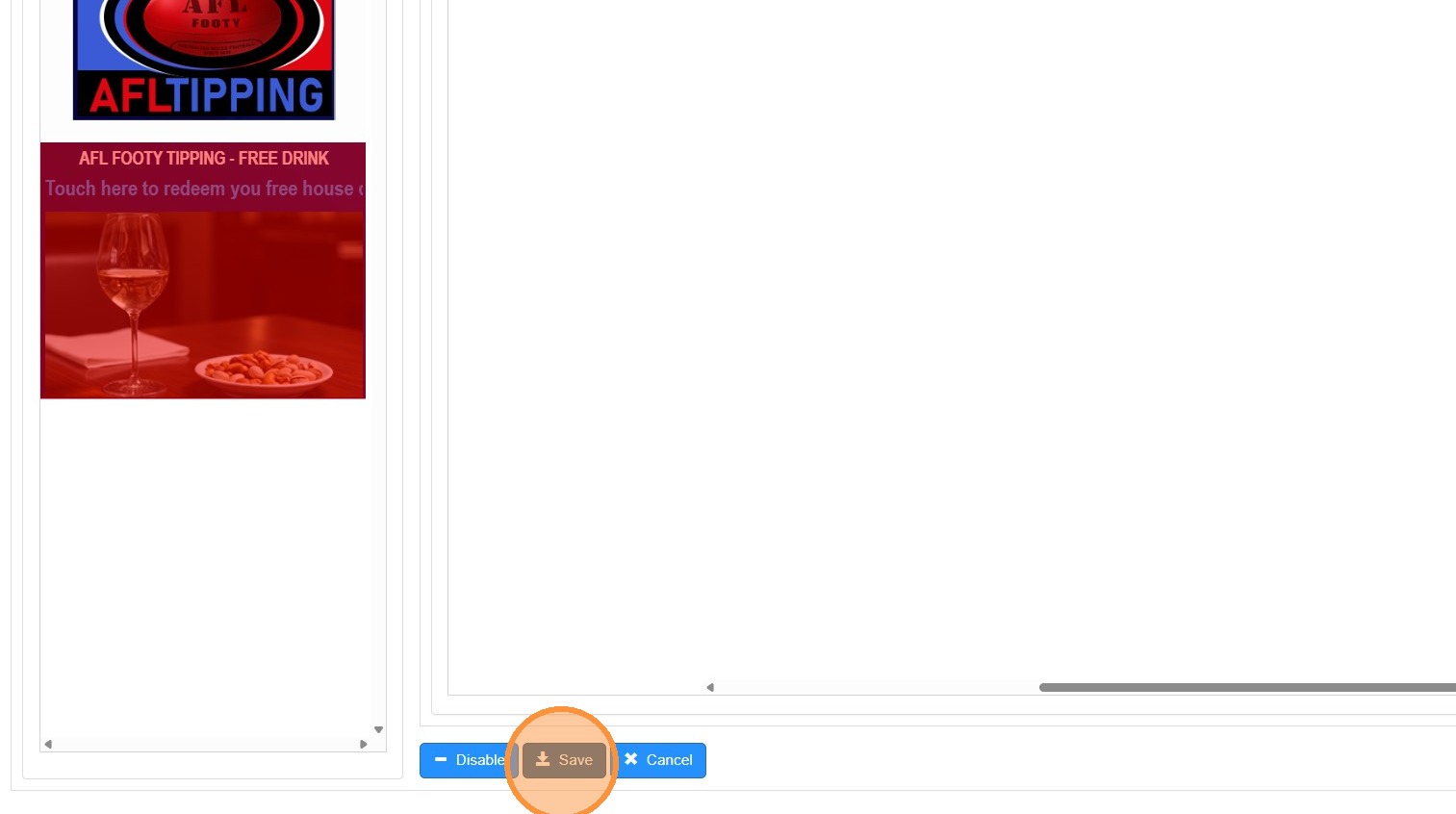
28. The Promotion is now live, and will only be available once a member swipes on the Kiosk, and opens up the tipping application. Once they return to the Kiosk home screen the free drink will be available.