
Footy Tipping - Restricting promotion to some members
This feature is applicable when testing the promotion, but also once the promotion is live, and you only want the promotion visible for members who have paid their fees.
Navigate to the promotion tab in your Wymac Kiosk Software.
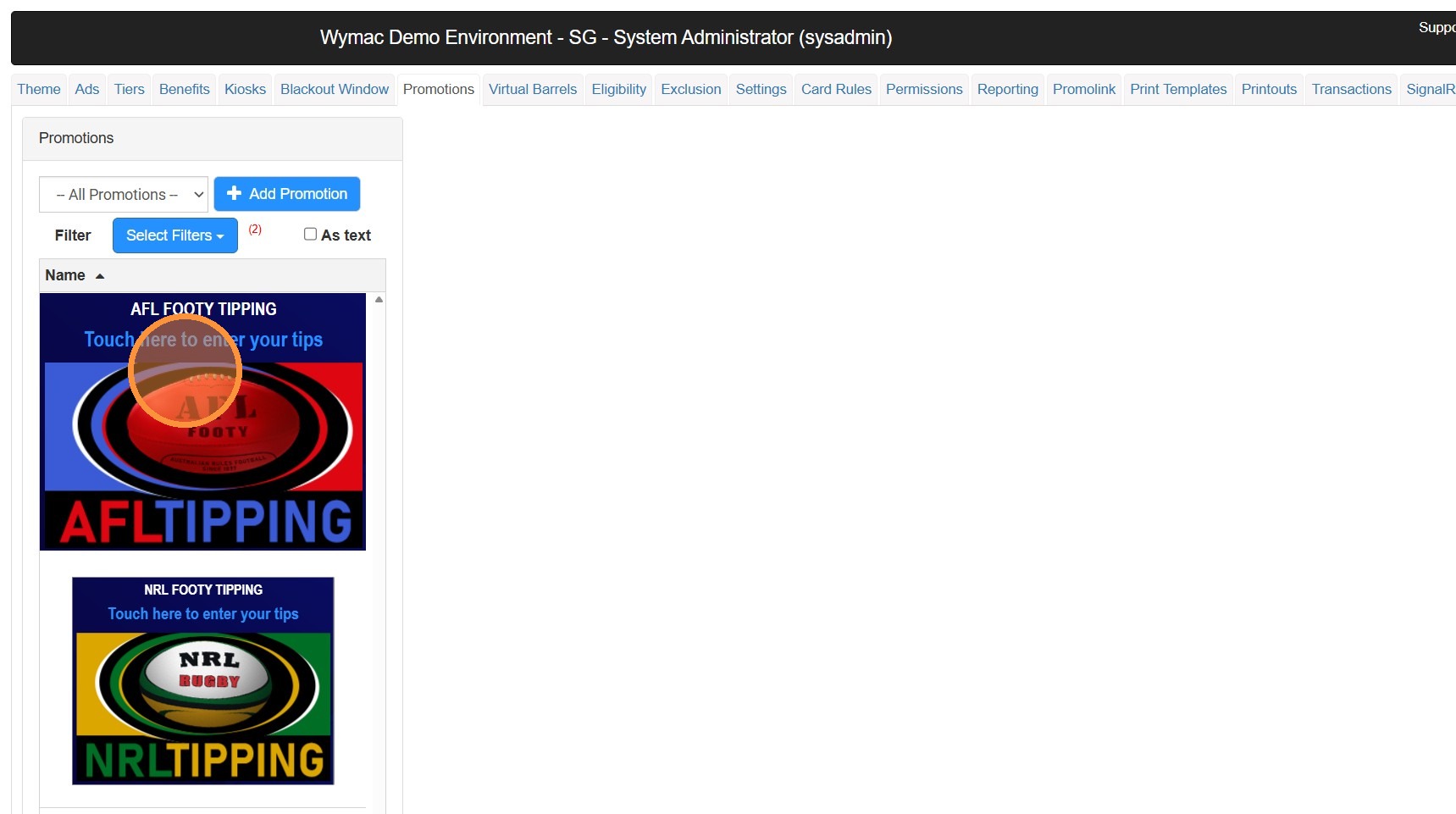
Scroll or search to find the Footy Tipping Promo
Click on the Footy Tipping Promotion
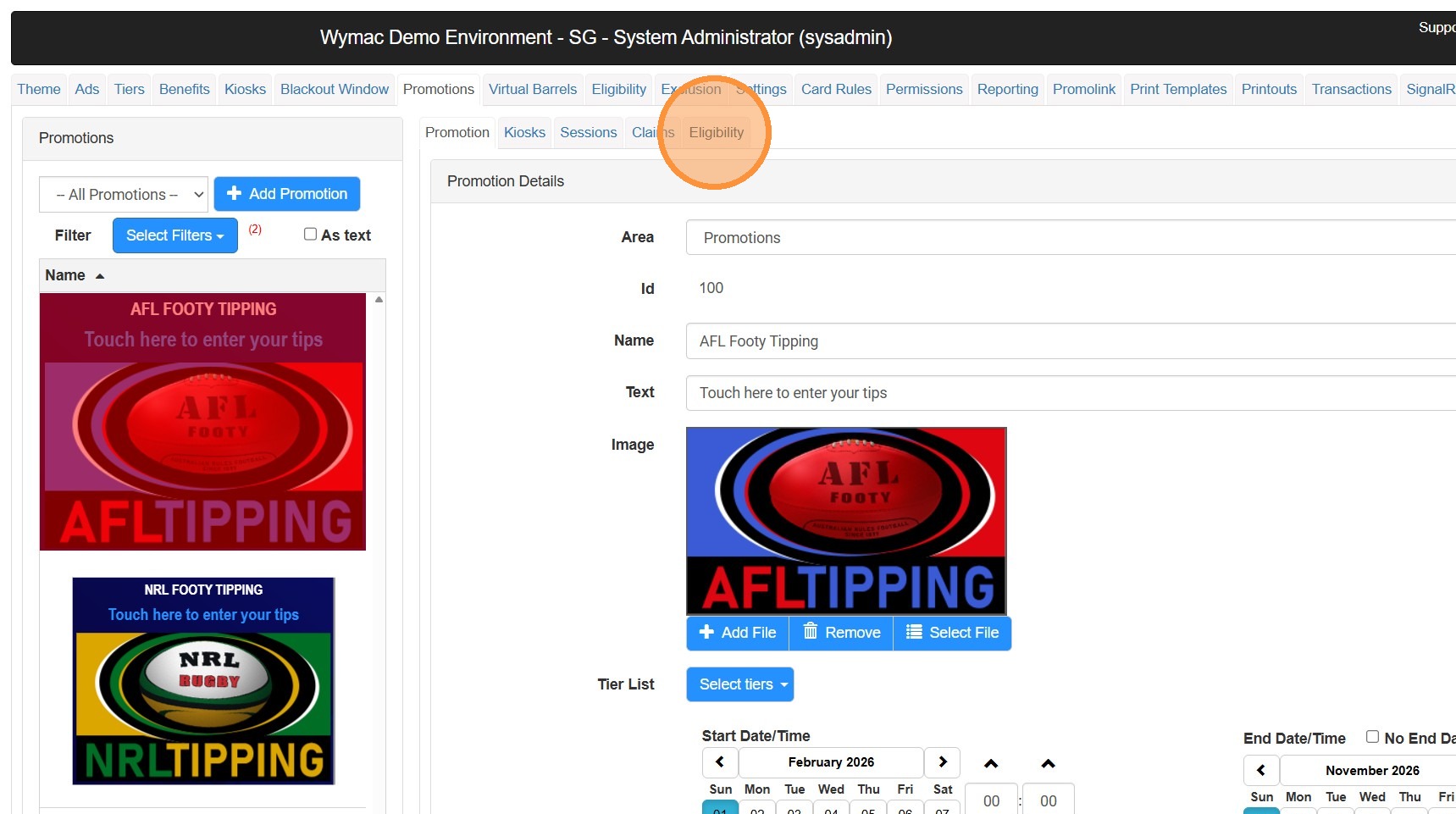
Click on the "Eligibility"
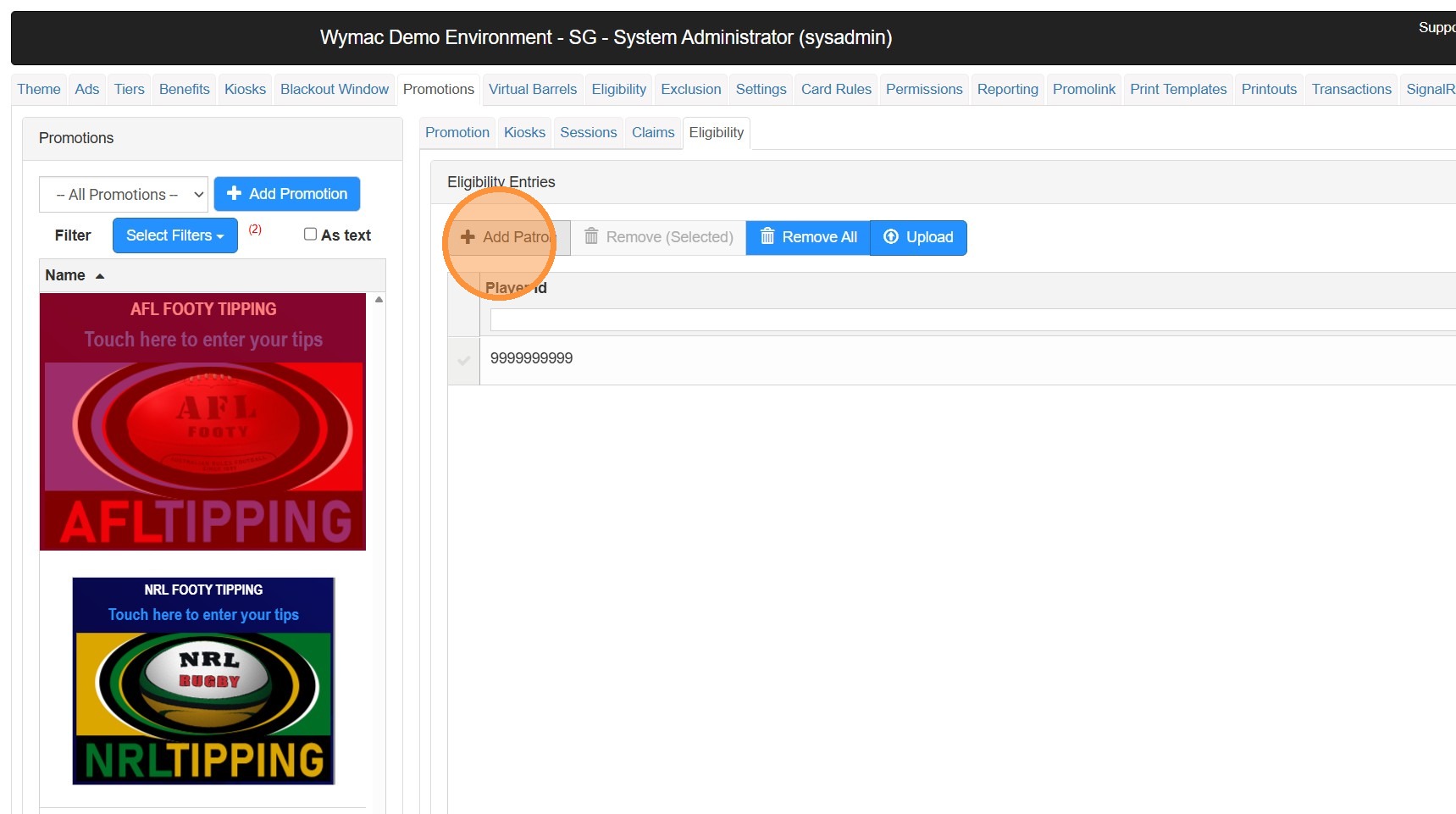
Click "Add Patron"
Click in the PlayerID field
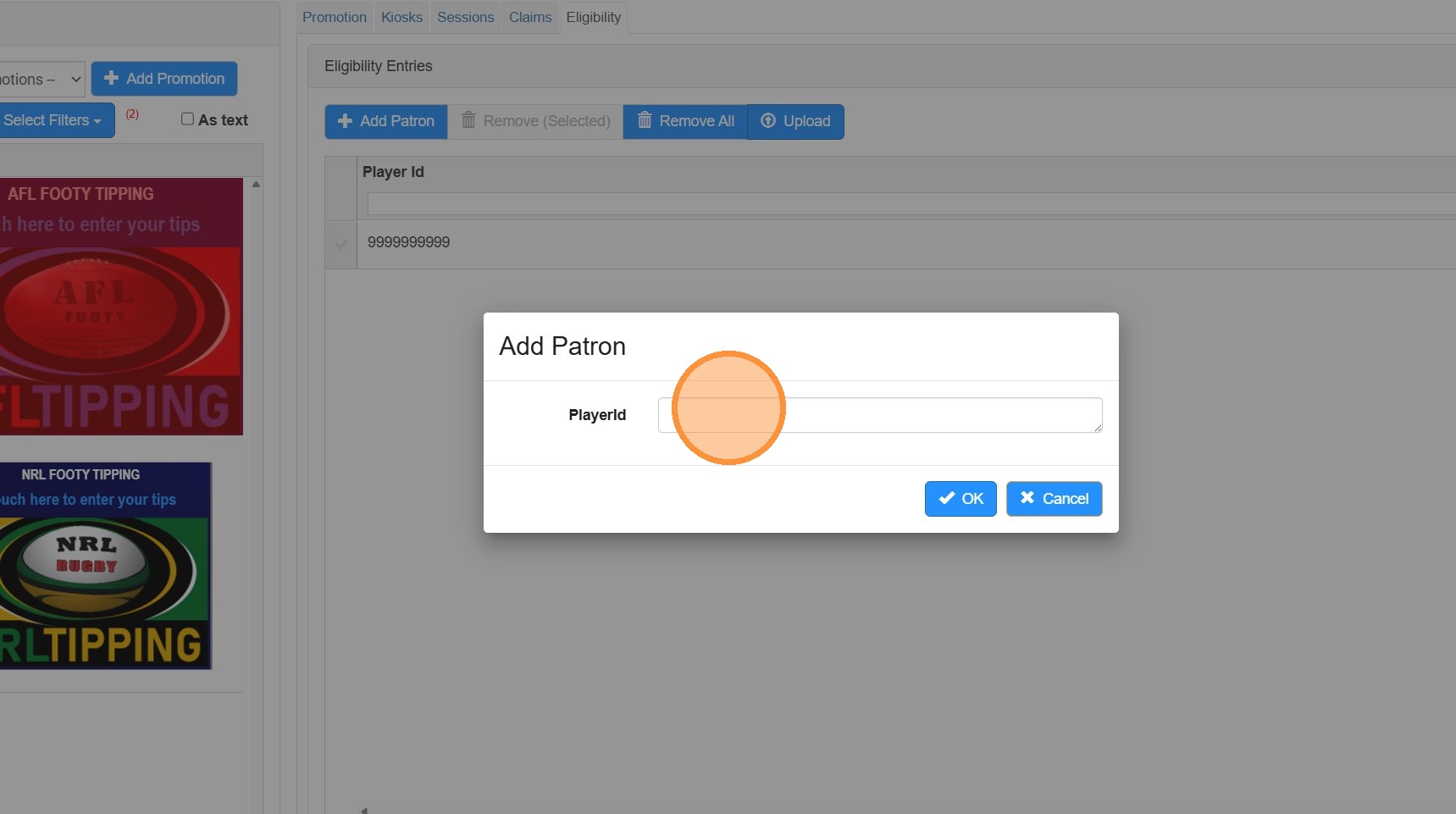
You can update this list in 2 different ways.
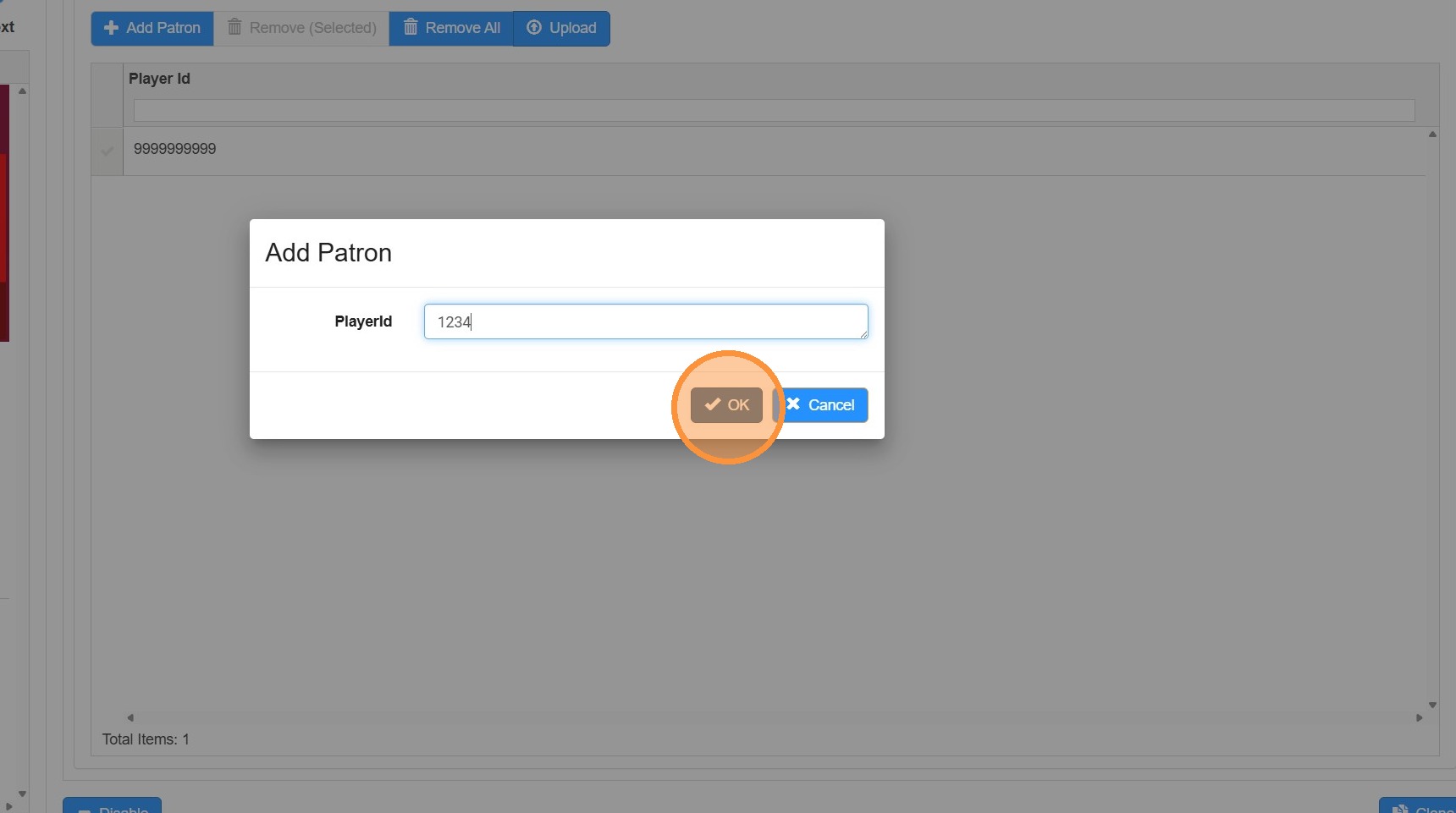
Type in the membership number first member, Click OK, Client Add Patron again
This is the preferred option if you have 1-3 members to add into this list.If you have the list of members in a spreadsheet or other document, you can add the members in bulk. This will work best from Excel, if you have a column with just the Membership numbers. Paste that list of numbers directly into this field and press OK
Click "OK"
Click "Save"
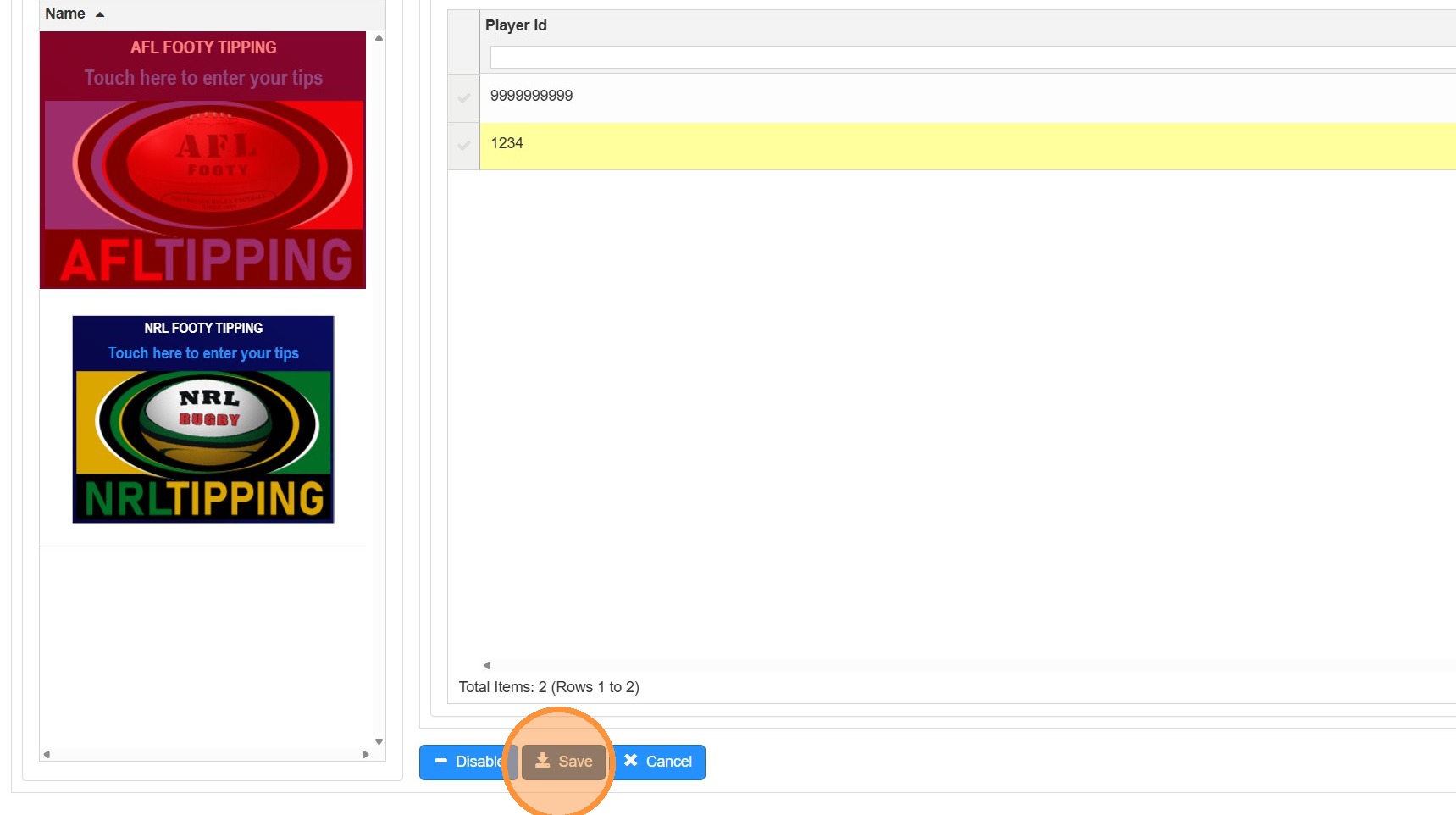
Your Footy Tipping competition will now be restricted to your selected members